 Owncast unterstützt jetzt benutzerdefinierte Plugins.
 Konfiguration
Für die meisten Menschen wird Owncast direkt nach der Installation ohne weitere Konfiguration vollständig nutzbar sein. Wenn Sie einfach dem Schnellstart folgen, können Sie in wenigen Minuten streamen.
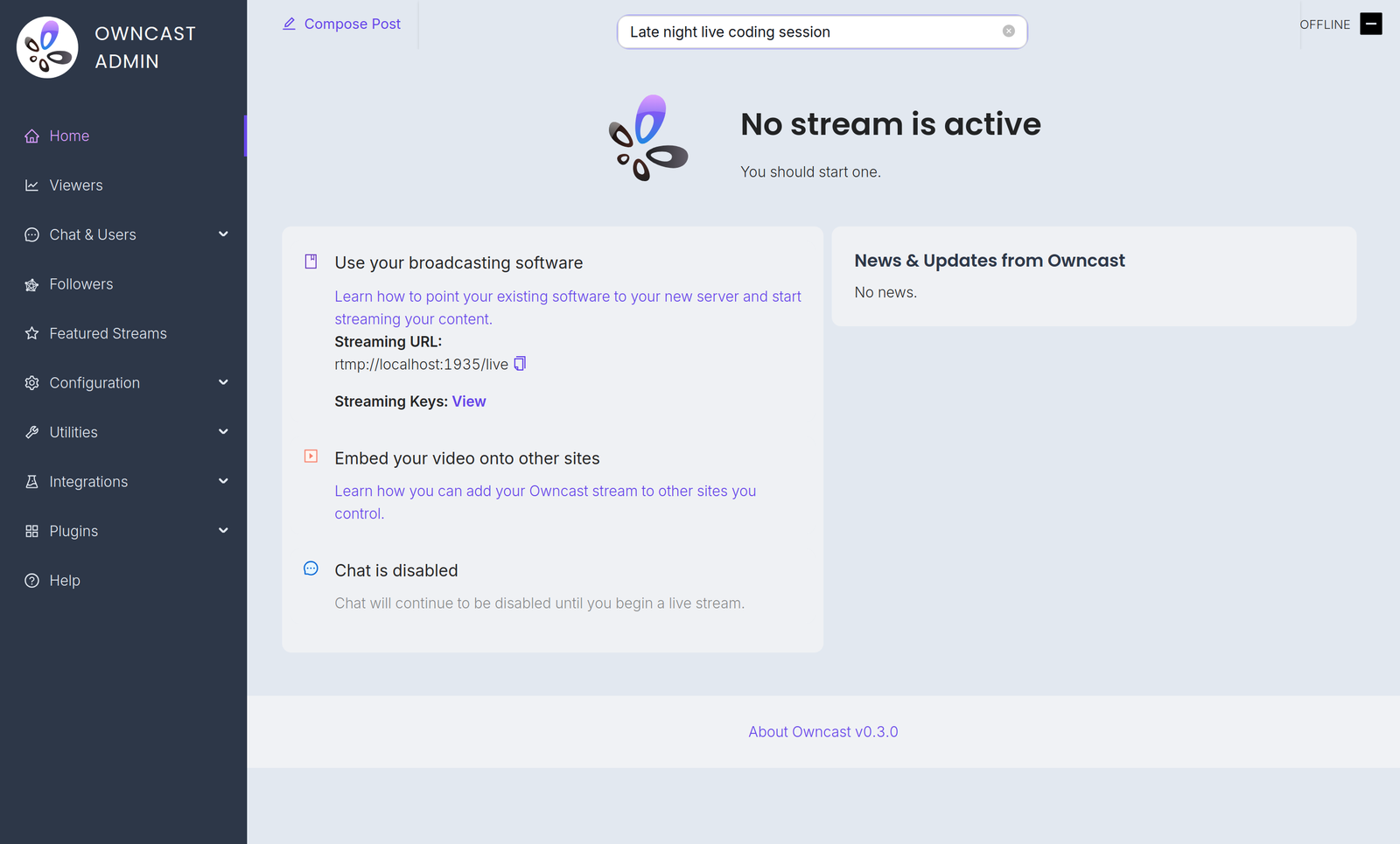
Configuration is done in the admin. Öffnen Sie es unter /admin auf Ihrem Server und melden Sie sich mit Ihrem Admin-Passwort an. The Configuration menu contains:
- General: your server name, logo, tags and page content. See customizing your website.
- Server Setup: admin password, stream keys, ports and S3 storage. See server setup.
- Video: quality variants, latency and codec settings. See video quality.
- Chat: enable or disable chat and set moderation rules. See chat moderation.
- Social: Fediverse participation and social links. See social features.
- Notifications: let your audience know when you go live. See notifications.
A few related settings live elsewhere in the admin. Webhooks, Access Tokens and External Actions are under Integrations. Custom emoji are under Chat > Emojis.
You can also extend Owncast's functionality with plugins or by building your own bots, overlays, tools and integrations on the APIs.
Improve this page
See something missing or incorrect? Edit the English version of this page or help improve translations.
