 Owncast unterstützt jetzt benutzerdefinierte Plugins.
 Add custom JavaScript
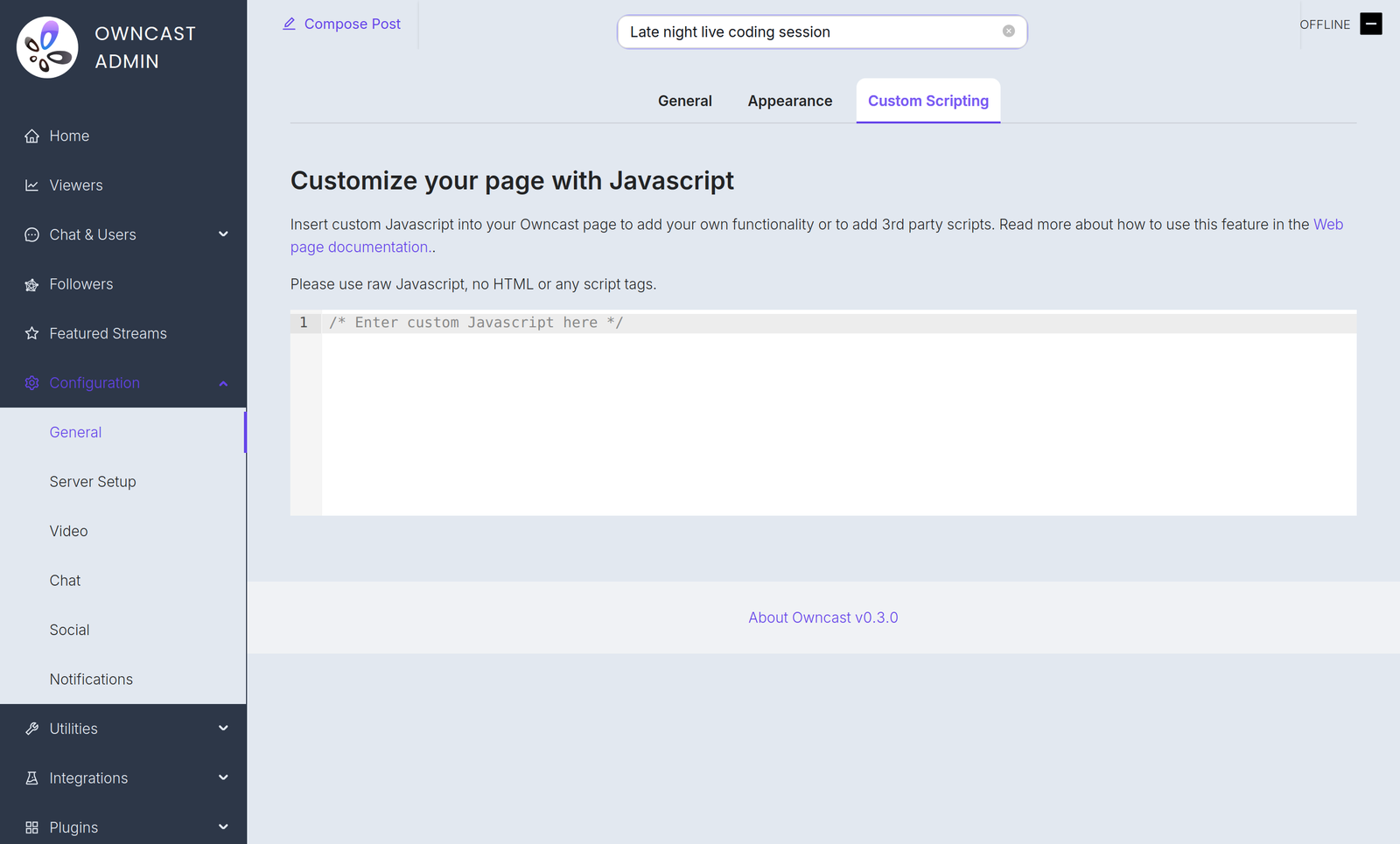
If you have some JavaScript you need to run when your Owncast web page loads, you can add it in the admin under Configuration > General > Custom Scripting.
Einige Beispiele für Gründe, warum Sie dies benötigen könnten:
- Hinzufügen von datenschutzfreundlichen Analysen.
- Initialisierung eines Zahlungsanbieters, den Sie auf Ihrer Seite eingebettet haben.
- Use JavaScript to manipulate the interface.
Plugin scripts require Owncast v0.3.0
Starting in Owncast 0.3.0, the /customjavascript endpoint serves your code followed by the scripts of every enabled plugin, so your code and plugin scripts share the same page context.

Owncat warns you
Double check your JavaScript. Jede falsche Syntax oder Fehler, die Sie in die Seite einfügen, können Fehler verursachen und das Laden der Seite oder die Funktionalität beeinträchtigen.
Improve this page
See something missing or incorrect? Edit the English version of this page or help improve translations.
Contributors to this documentation
