
Ändern Sie Ihren Streaming-Schlüssel und das Admin-Passwort
Der Admin
You can set the admin password and add stream keys in the admin under Configuration > Server Setup. See Server Setup for details on each tab. Stream keys and the admin password are unrelated settings. Changing one does not change the other.
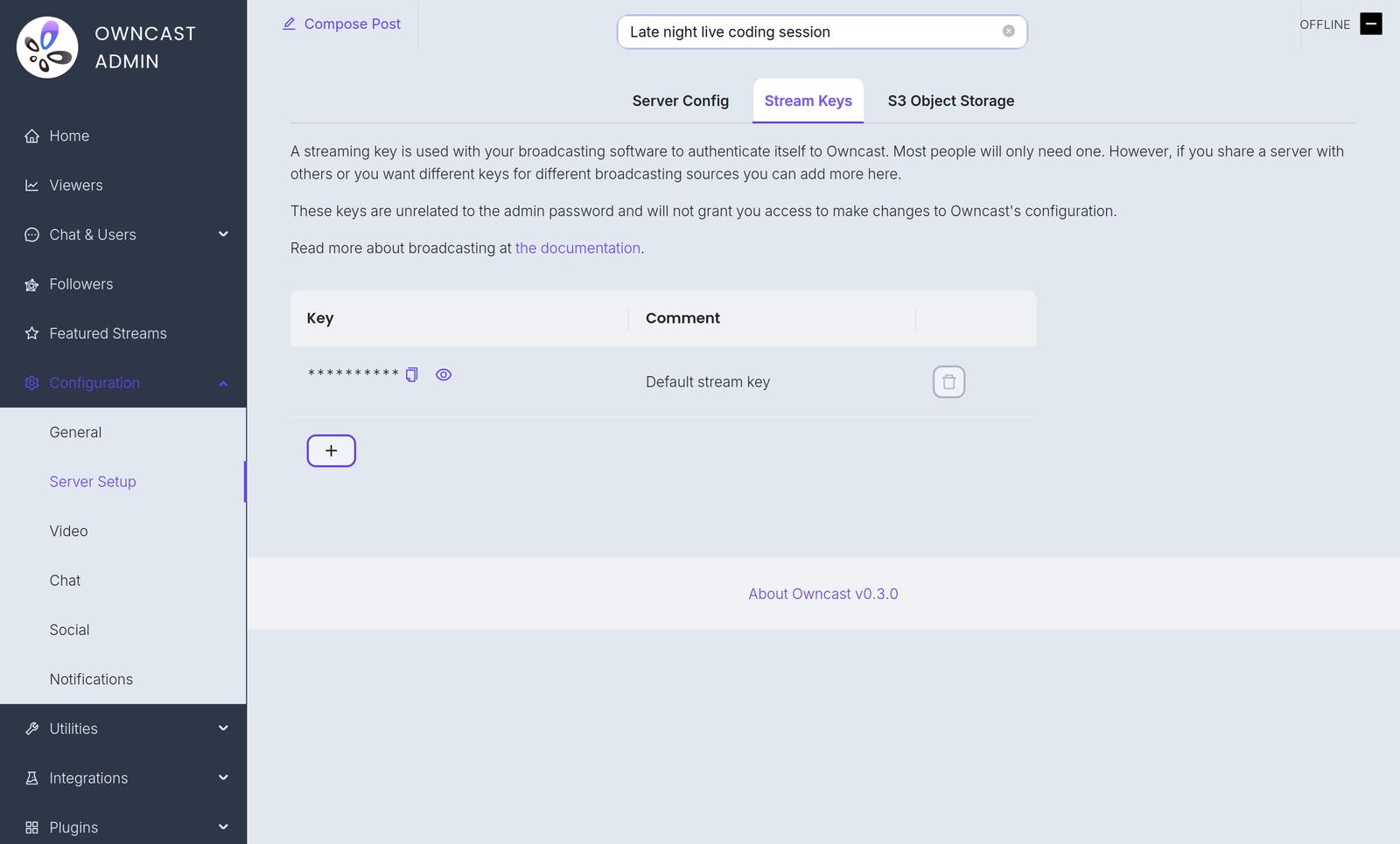
Stream-Schlüssel
Befehlszeilen-Flag
You can set a temporary stream key with the --streamkey command line flag. Führen Sie Owncast mit --help aus, um alle verfügbaren Optionen zu sehen.
- Stoppen Sie den Dienst.
- Führen Sie
owncast --streamkey newkeyaus
This override lasts only as long as the process runs. While it is active it replaces your persisted stream keys for RTMP authentication and the Stream Keys tab is hidden in the admin. Restart Owncast without the flag to go back to your saved keys.
Admin-Passwort
You can change the admin password in the admin under Configuration > Server Setup. You can also set it at run time with the --adminpassword command line flag.
Improve this page
See something missing or incorrect? Edit the English version of this page or help improve translations.
