 Owncast unterstützt jetzt benutzerdefinierte Plugins.
Google TV
Smart TV
google-tvandroid-tvvlcsmart-tvfernsehersehen
VLC für Android TV
EmpfohlenVerwenden Sie VLC aus dem Google Play Store, um Owncast-Streams auf Ihrem Google TV abzuspielen.
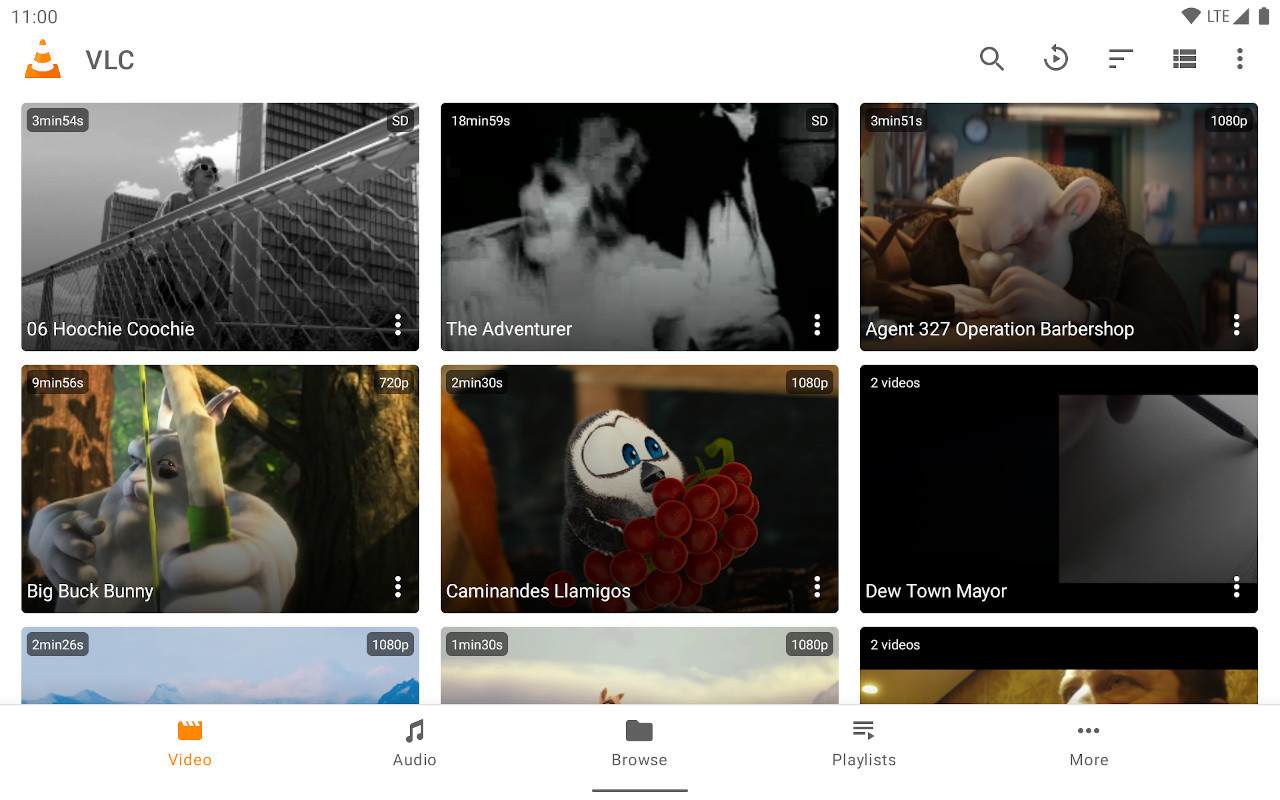
- Voll ausgestatteter Mediaplayer optimiert für die TV-Oberfläche.
- Einfaches Eingeben der Stream-URL.
- Kostenlos und regelmäßig aktualisiert.
Schritt-für-Schritt-Anleitungen anzeigen
- Installieren Sie VLC aus dem Google Play Store.
- Select Streams from the Browsing row.
- Enter the stream URL. The direct HLS form is the most reliable, for example
https://watch.owncast.online/hls/stream.m3u8. - Select the send arrow next to the field to start playback.
Improve this page
See something missing or incorrect? Edit the English version of this page or help improve translations.
Contributors to this documentation
