 Owncast ahora soporta plugins personalizados.
 Configuración
Para la mayoría de las personas, Owncast será completamente utilizable directamente sin configuración adicional. Simplemente siguiendo el Inicio Rápido podrá empezar a transmitir en minutos.
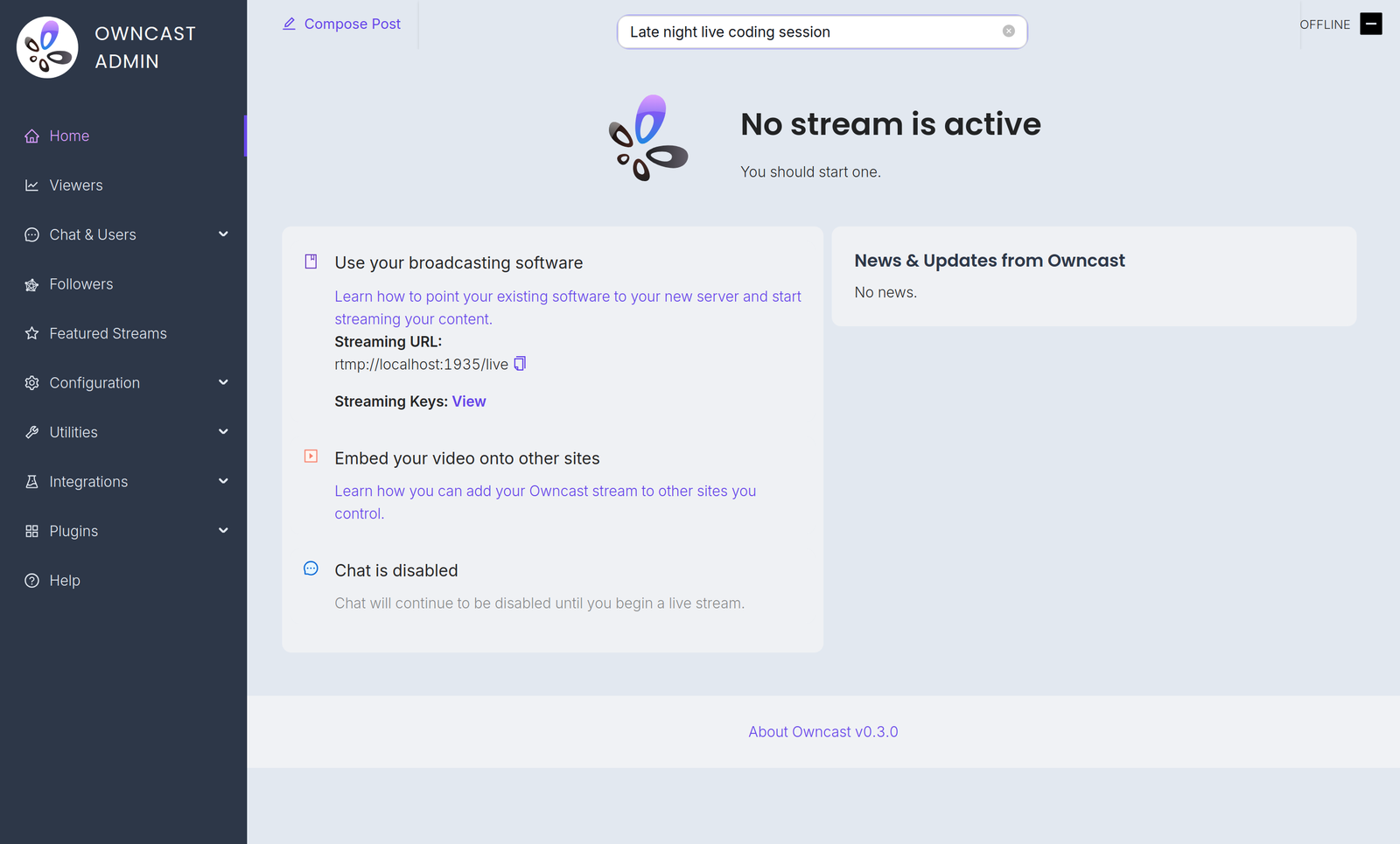
Configuration is done in the admin. Ábralo en /admin en su servidor e inicie sesión con su contraseña de administrador. The Configuration menu contains:
- General: your server name, logo, tags and page content. See customizing your website.
- Server Setup: admin password, stream keys, ports and S3 storage. See server setup.
- Video: quality variants, latency and codec settings. See video quality.
- Chat: enable or disable chat and set moderation rules. See chat moderation.
- Social: Fediverse participation and social links. See social features.
- Notifications: let your audience know when you go live. See notifications.
A few related settings live elsewhere in the admin. Webhooks, Access Tokens and External Actions are under Integrations. Custom emoji are under Chat > Emojis.
You can also extend Owncast's functionality with plugins or by building your own bots, overlays, tools and integrations on the APIs.
Improve this page
See something missing or incorrect? Edit the English version of this page or help improve translations.
Contributors to this documentation
