 Owncast ahora soporta plugins personalizados.
 Add custom JavaScript
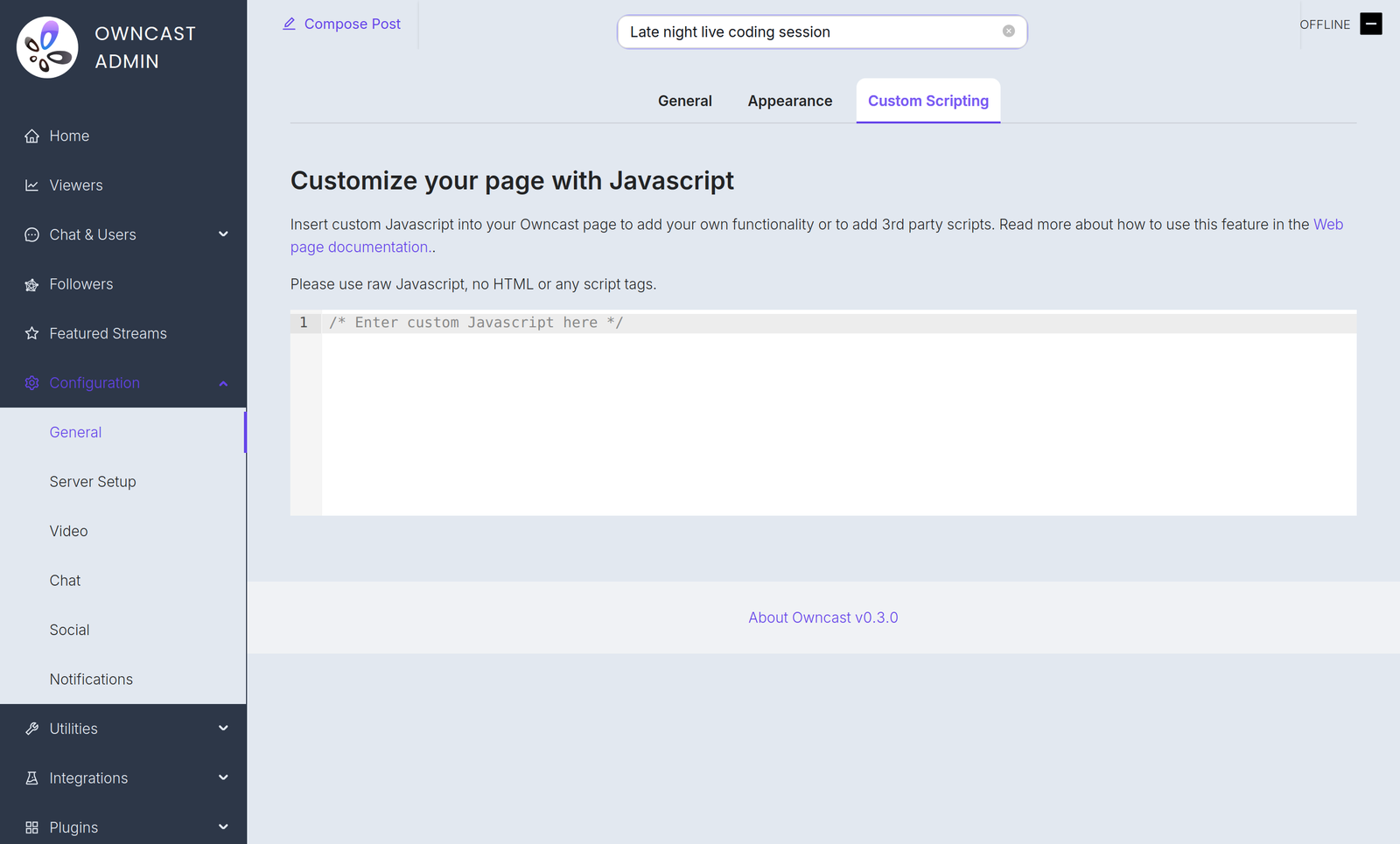
If you have some JavaScript you need to run when your Owncast web page loads, you can add it in the admin under Configuration > General > Custom Scripting.
Algunos ejemplos de razones por las cuales podrías necesitar esto:
- Agregar análisis que respeten la privacidad.
- Inicializar un procesador de pagos que hayas incrustado en tu página.
- Use JavaScript to manipulate the interface.
Plugin scripts require Owncast v0.3.0
Starting in Owncast 0.3.0, the /customjavascript endpoint serves your code followed by the scripts of every enabled plugin, so your code and plugin scripts share the same page context.

Owncat warns you
Double check your JavaScript. Cualquier sintaxis incorrecta o errores que insertes en la página pueden crear errores y detener la carga de la página o el funcionamiento.
Improve this page
See something missing or incorrect? Edit the English version of this page or help improve translations.
Contributors to this documentation
