 Owncast ahora soporta plugins personalizados.
Amazon Fire TV
Streaming device
amazonfire-tvvlccaja-de-streamingtelevisiónmirando
VLC para Fire TV
RecomendadoUtiliza VLC para reproducir transmisiones de Owncast directamente en tu dispositivo Fire TV.
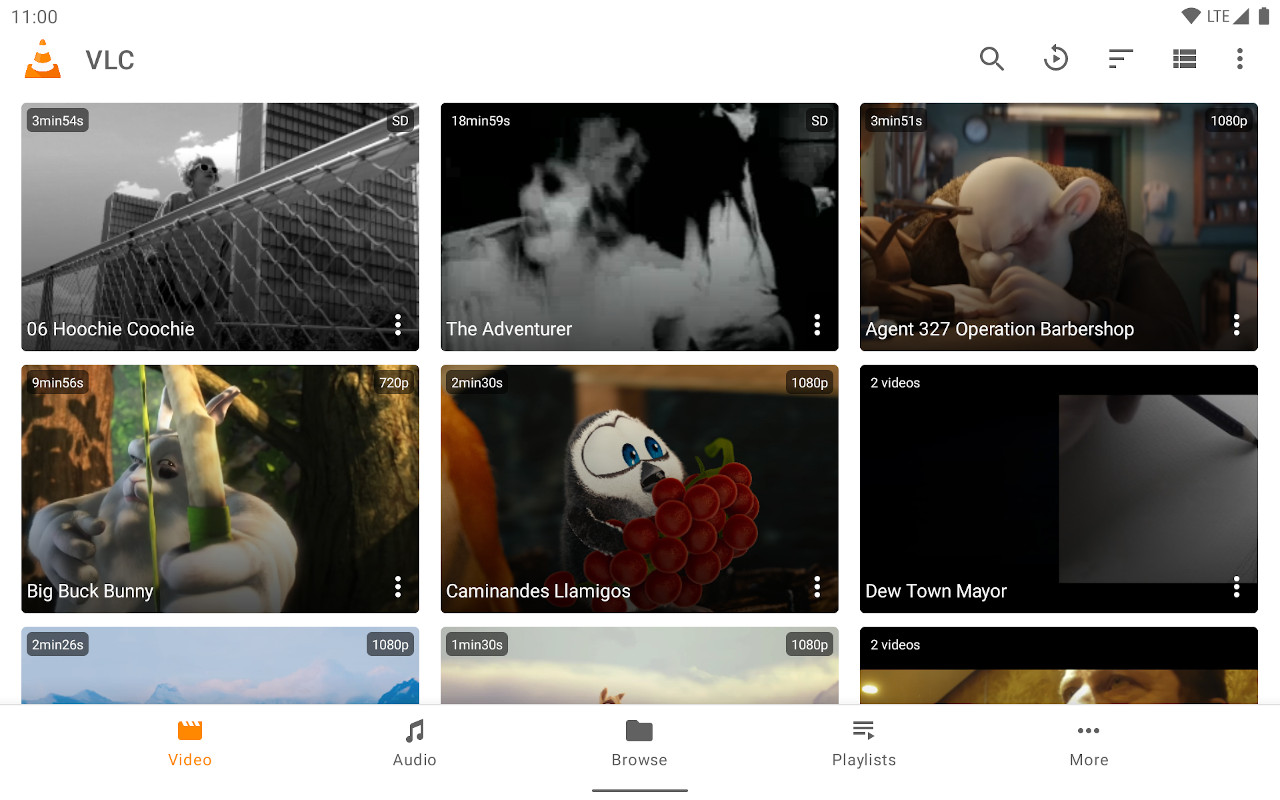
- Reproductor de medios confiable con excelente soporte para flujos.
- Entrada de URL directa para cualquier servidor de Owncast.
- Gratis y ampliamente disponible.
Mostrar instrucciones paso a paso
- Instala VLC para Amazon Fire TV desde la tienda de aplicaciones de Amazon.
- Select Streams from the Browsing row.
- Enter the stream URL. The direct HLS form is the most reliable, for example
https://watch.owncast.online/hls/stream.m3u8. - Select the send arrow next to the field to start playback.
Improve this page
See something missing or incorrect? Edit the English version of this page or help improve translations.
Contributors to this documentation
