 Owncast ahora soporta plugins personalizados.
Kodi
Other device
kodiplugincentro-de-mediosraspberry-pihtpctelevisiónviendo
Plugin de Owncast Kodi
RecomendadoInstala el plugin oficial de Owncast para explorar el directorio directamente dentro de Kodi.
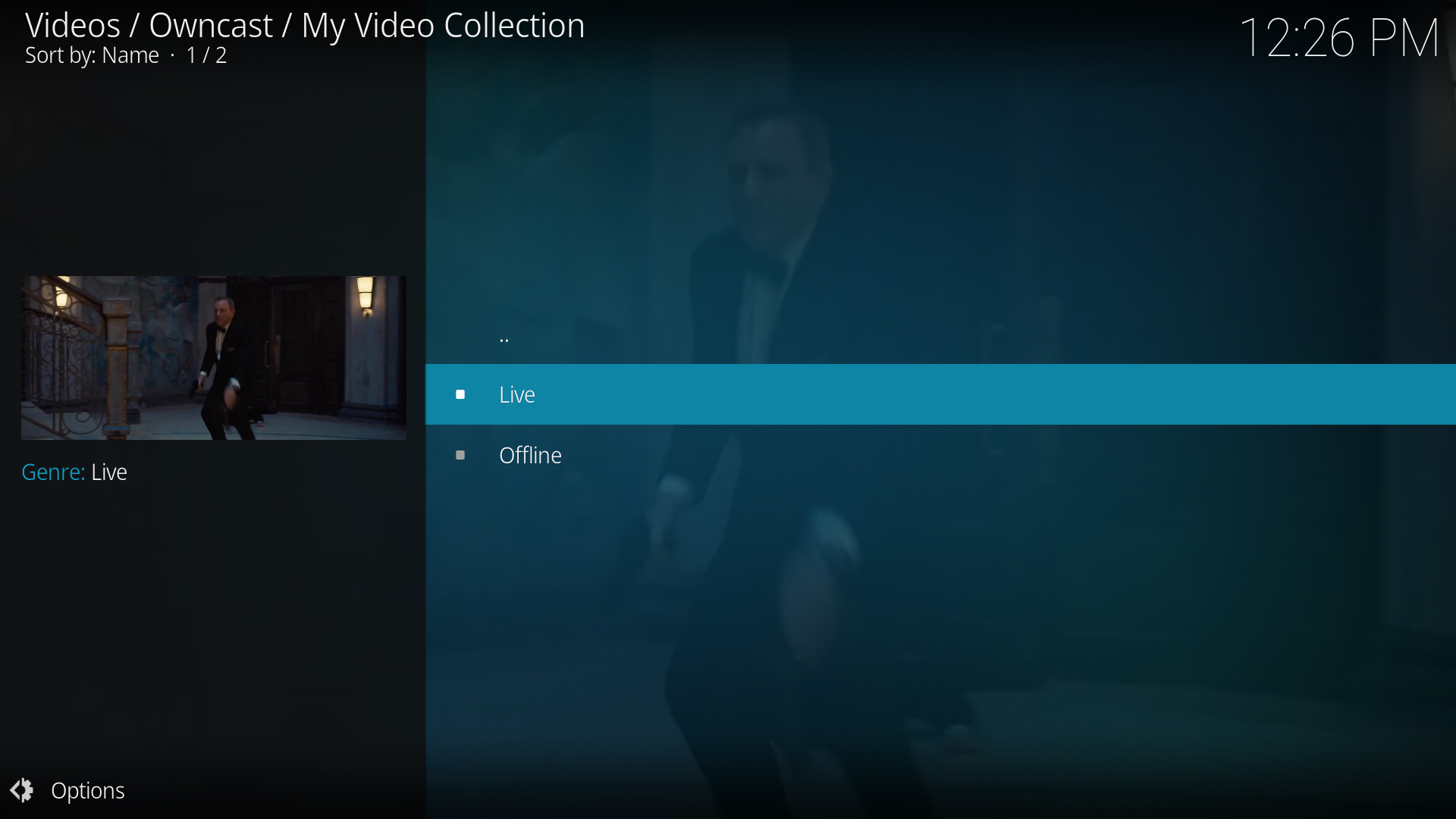
- Explora todo el directorio de Owncast desde dentro de Kodi.
- Plugin dedicado construido específicamente para Owncast.
- Se integra sin problemas con la interfaz de Kodi.
Mostrar instrucciones paso a paso
- Visita el Plugin de Owncast Kodi en el repositorio de GitHub de rAcHekLoS.
- Sigue las instrucciones de instalación del plugin en GitHub.
- Inicia el plugin desde la sección de complementos de Kodi.
- Explora los flujos disponibles de Owncast en el directorio.
- Selecciona un flujo para comenzar a ver.
Reproducción de URL directa
Play a single Owncast stream by pointing Kodi at a small .strm file that holds the stream URL.
- Funciona con cualquier instalación de Kodi.
- Acceso directo a servidores específicos de Owncast.
- No se requieren plugins adicionales.
Mostrar instrucciones paso a paso
- Create a plain text file named
owncast.strmcontaining only your stream's HLS URL, for examplehttps://watch.owncast.online/hls/stream.m3u8. - Put the file in a folder Kodi can reach, either on the same machine or on a network share.
- In Kodi, go to Videos > Files and select Add videos....
- Choose Browse, select the folder holding
owncast.strm, and select OK. For a network share, use Add network location... first to set the protocol, server, and shared folder. - Open the source, select
owncast.strm, and choose Play.
Kodi's Add network location... dialog asks for a protocol, server, and shared folder, so it cannot take a full stream URL on its own. The .strm file is what makes the stream playable.
Improve this page
See something missing or incorrect? Edit the English version of this page or help improve translations.
Contributors to this documentation
