 Owncast prend maintenant en charge des plugins personnalisés.
Amazon Fire TV
Streaming device
amazonfire-tvvlcboîte de streamingtélévisionregarder
VLC pour Fire TV
RecommandéUtilisez VLC pour lire les flux Owncast directement sur votre appareil Fire TV.
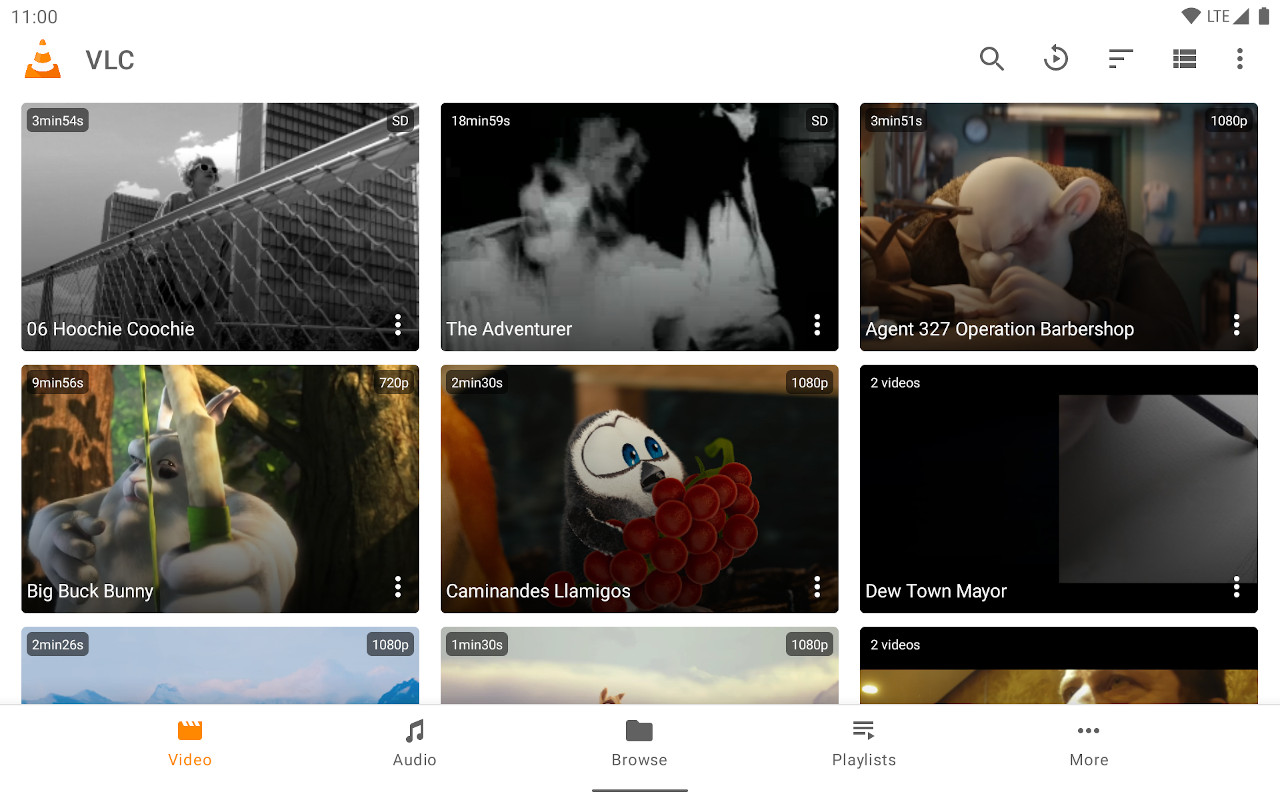
- Lecteur multimédia fiable avec un excellent support des flux.
- Entrée d'URL directe pour n'importe quel serveur Owncast.
- Gratuit et largement disponible.
Afficher les instructions étape par étape
- Installez VLC pour Amazon Fire TV depuis l'Amazon App Store.
- Select Streams from the Browsing row.
- Enter the stream URL. The direct HLS form is the most reliable, for example
https://watch.owncast.online/hls/stream.m3u8. - Select the send arrow next to the field to start playback.
Improve this page
See something missing or incorrect? Edit the English version of this page or help improve translations.
Contributors to this documentation
