 Owncast prend maintenant en charge des plugins personnalisés.
Google TV
Smart TV
google-tvandroid-tvvlcsmart-tvtélévisionregarder
VLC pour Android TV
RecommandéUtilisez VLC depuis le Google Play Store pour lire les flux Owncast sur votre Google TV.
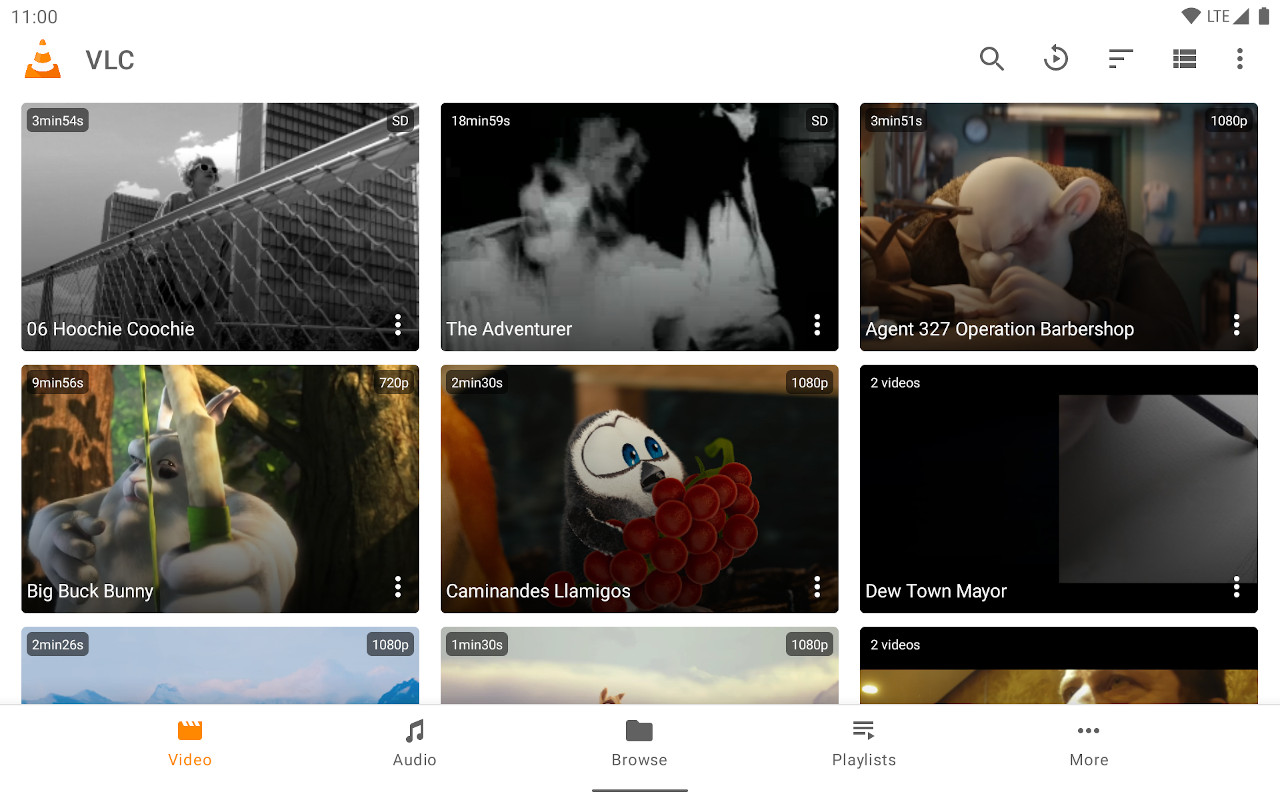
- Lecteur multimédia complet optimisé pour l'interface TV.
- Entrée d'URL de flux facile.
- Gratuit et régulièrement mis à jour.
Afficher les instructions étape par étape
- Installez VLC depuis le Google Play Store.
- Select Streams from the Browsing row.
- Enter the stream URL. The direct HLS form is the most reliable, for example
https://watch.owncast.online/hls/stream.m3u8. - Select the send arrow next to the field to start playback.
Improve this page
See something missing or incorrect? Edit the English version of this page or help improve translations.
Contributors to this documentation
