 Owncast prend maintenant en charge des plugins personnalisés.
Kodi
Other device
kodiplugincentre-médiaraspberry-pihtpctélévisionregarder
Plugin Owncast Kodi
RecommandéInstallez le plugin Owncast officiel pour parcourir directement le répertoire dans Kodi.
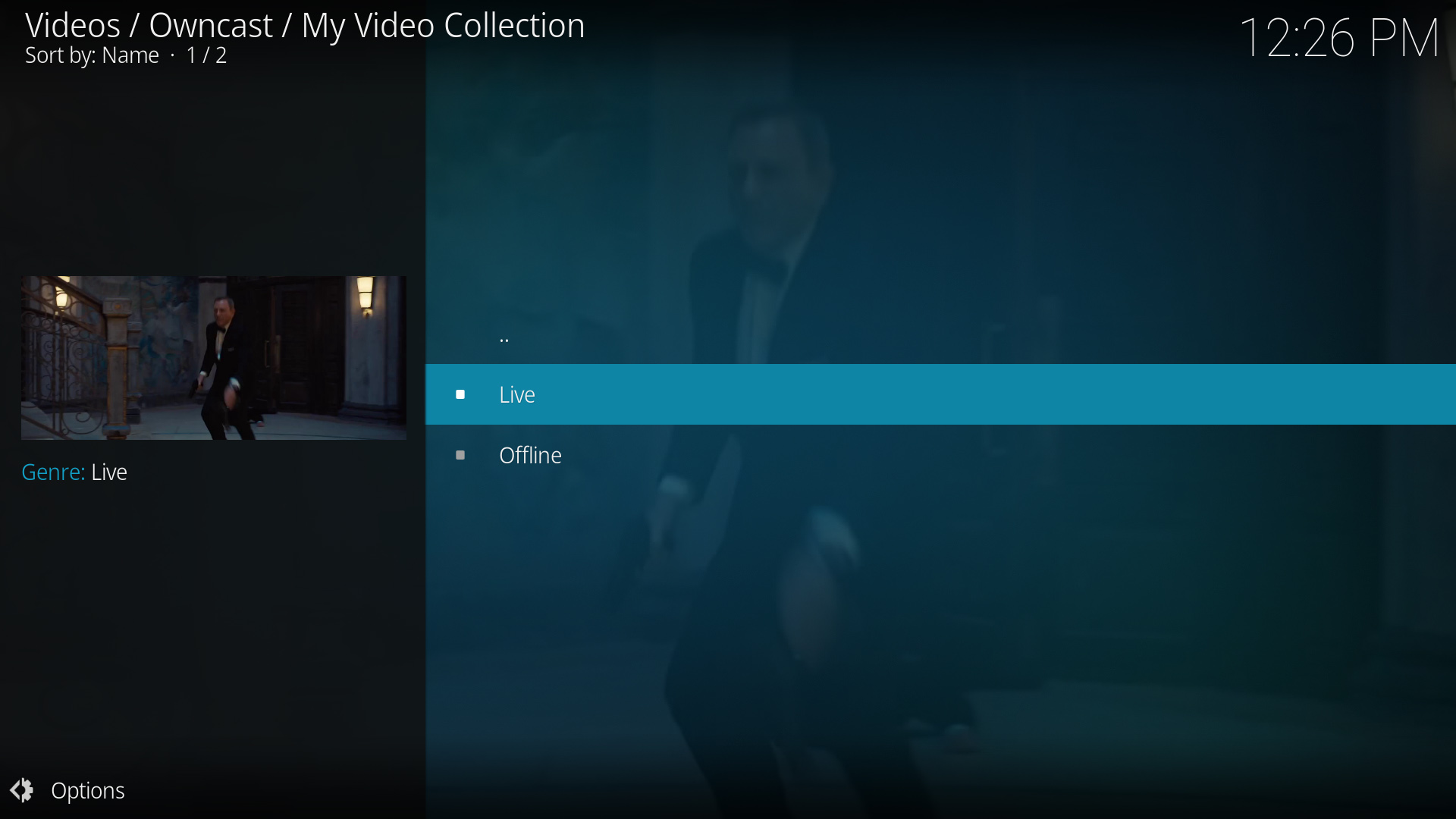
- Parcourez tout le répertoire Owncast depuis Kodi.
- Plugin dédié construit spécifiquement pour Owncast.
- S'intègre parfaitement à l'interface de Kodi.
Afficher les instructions étape par étape
- Visitez le Plugin Owncast Kodi dépôt GitHub par rAcHekLoS.
- Suivez les instructions d'installation du plugin sur GitHub.
- Lancez le plugin depuis la section Add-ons de Kodi.
- Parcourez les flux Owncast disponibles depuis le répertoire.
- Sélectionnez un flux pour commencer à regarder.
Lecture par URL directe
Play a single Owncast stream by pointing Kodi at a small .strm file that holds the stream URL.
- Fonctionne avec n'importe quelle installation de Kodi.
- Accès direct à des serveurs Owncast spécifiques.
- Aucun plugin supplémentaire requis.
Afficher les instructions étape par étape
- Create a plain text file named
owncast.strmcontaining only your stream's HLS URL, for examplehttps://watch.owncast.online/hls/stream.m3u8. - Put the file in a folder Kodi can reach, either on the same machine or on a network share.
- In Kodi, go to Videos > Files and select Add videos....
- Choose Browse, select the folder holding
owncast.strm, and select OK. For a network share, use Add network location... first to set the protocol, server, and shared folder. - Open the source, select
owncast.strm, and choose Play.
Kodi's Add network location... dialog asks for a protocol, server, and shared folder, so it cannot take a full stream URL on its own. The .strm file is what makes the stream playable.
Improve this page
See something missing or incorrect? Edit the English version of this page or help improve translations.
Contributors to this documentation
