 Owncast ora supporta plugin personalizzati.
 Configurazione
Per la maggior parte delle persone, Owncast sarà completamente utilizzabile fin da subito senza configurazioni aggiuntive. Basta seguire il Quickstart per iniziare a trasmettere in pochi minuti.
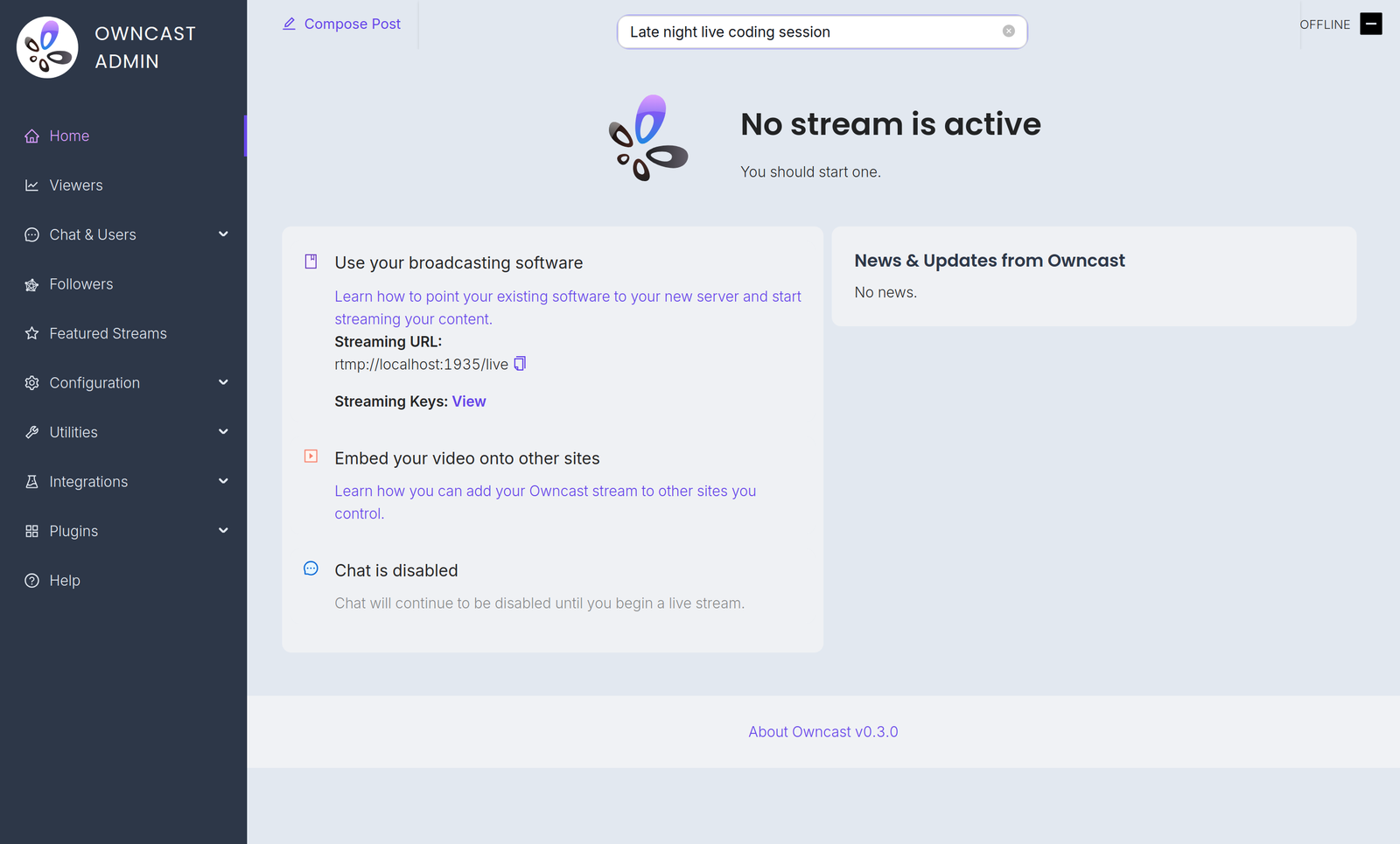
Configuration is done in the admin. Aprilo su /admin sul tuo server e accedi con la tua password di amministratore. The Configuration menu contains:
- General: your server name, logo, tags and page content. See customizing your website.
- Server Setup: admin password, stream keys, ports and S3 storage. See server setup.
- Video: quality variants, latency and codec settings. See video quality.
- Chat: enable or disable chat and set moderation rules. See chat moderation.
- Social: Fediverse participation and social links. See social features.
- Notifications: let your audience know when you go live. See notifications.
A few related settings live elsewhere in the admin. Webhooks, Access Tokens and External Actions are under Integrations. Custom emoji are under Chat > Emojis.
You can also extend Owncast's functionality with plugins or by building your own bots, overlays, tools and integrations on the APIs.
Improve this page
See something missing or incorrect? Edit this page and improve the documentation for everyone.
Contributors to this documentation
