 Owncast ora supporta plugin personalizzati.
Amazon Fire TV
Streaming device
amazonfire-tvvlcstreaming-boxtelevisionwatching
VLC for Fire TV
ConsigliatoUsa VLC per riprodurre i stream di Owncast direttamente sul tuo dispositivo Fire TV.
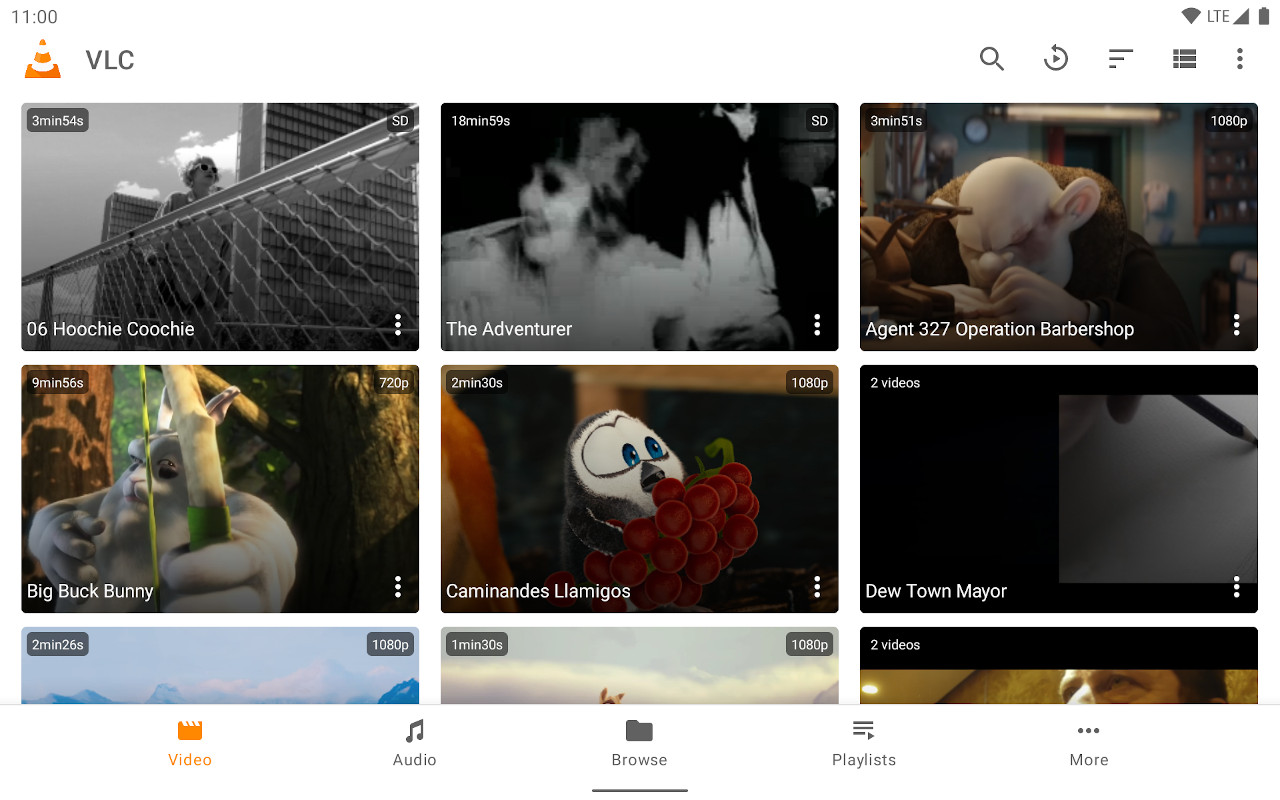
- Lettore multimediale affidabile con eccellente supporto per gli stream.
- Inserimento URL diretto per qualsiasi server Owncast.
- Gratuito e ampiamente disponibile.
Mostra le istruzioni passo dopo passo
- Installa VLC per Amazon Fire TV dall'Amazon App Store.
- Select Streams from the Browsing row.
- Enter the stream URL. The direct HLS form is the most reliable, for example
https://watch.owncast.online/hls/stream.m3u8. - Select the send arrow next to the field to start playback.
Improve this page
See something missing or incorrect? Edit this page and improve the documentation for everyone.
Contributors to this documentation
