 Owncast ora supporta plugin personalizzati.
Google TV
Smart TV
google-tvandroid-tvvlcsmart-tvtelevisioneguardando
VLC per Android TV
ConsigliatoUsa VLC dal Google Play Store per riprodurre gli stream di Owncast sulla tua Google TV.
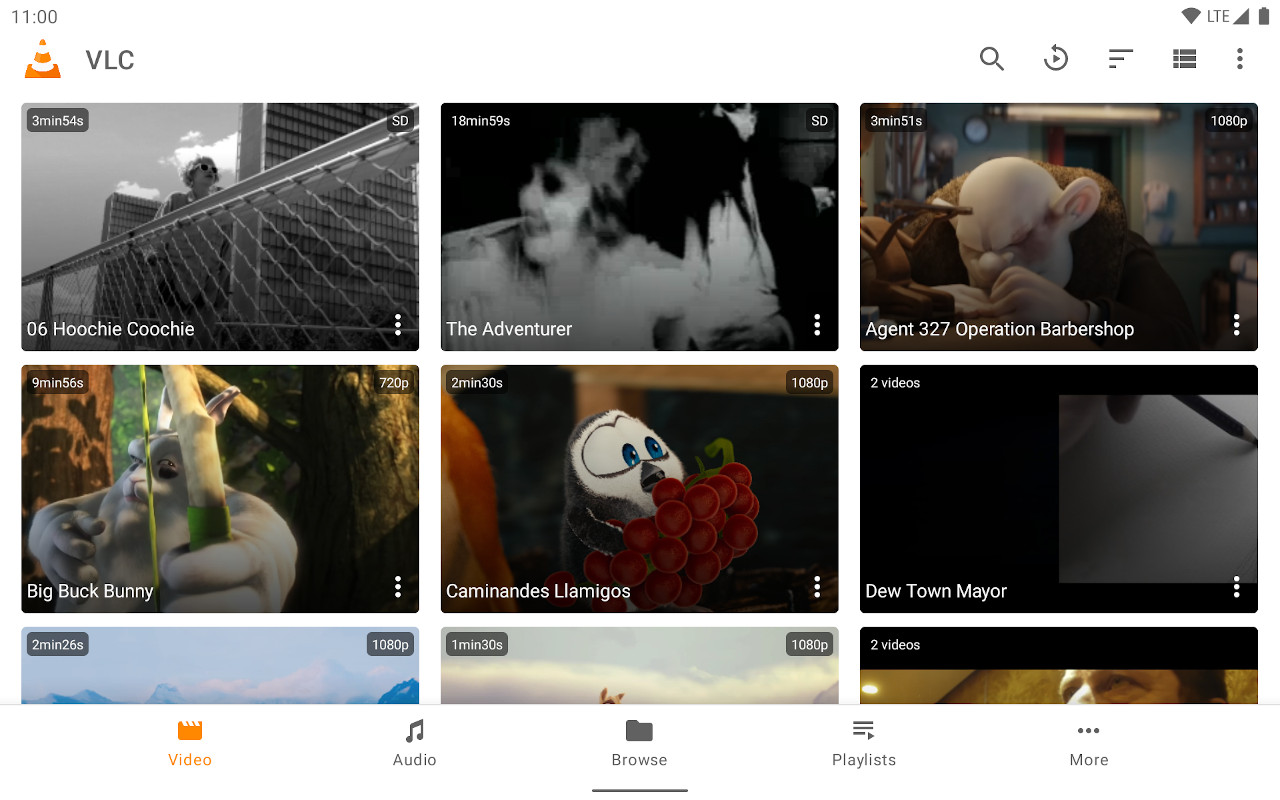
- Lettore multimediale completo, ottimizzato per l'interfaccia TV.
- Immissione semplice dell'URL dello stream.
- Gratuito e aggiornato regolarmente.
Mostra istruzioni passo passo
- Installa VLC dal Google Play Store.
- Select Streams from the Browsing row.
- Enter the stream URL. The direct HLS form is the most reliable, for example
https://watch.owncast.online/hls/stream.m3u8. - Select the send arrow next to the field to start playback.
Improve this page
See something missing or incorrect? Edit this page and improve the documentation for everyone.
Contributors to this documentation
