 Owncast はカスタムプラグインをサポートするようになりました。
Add custom JavaScript
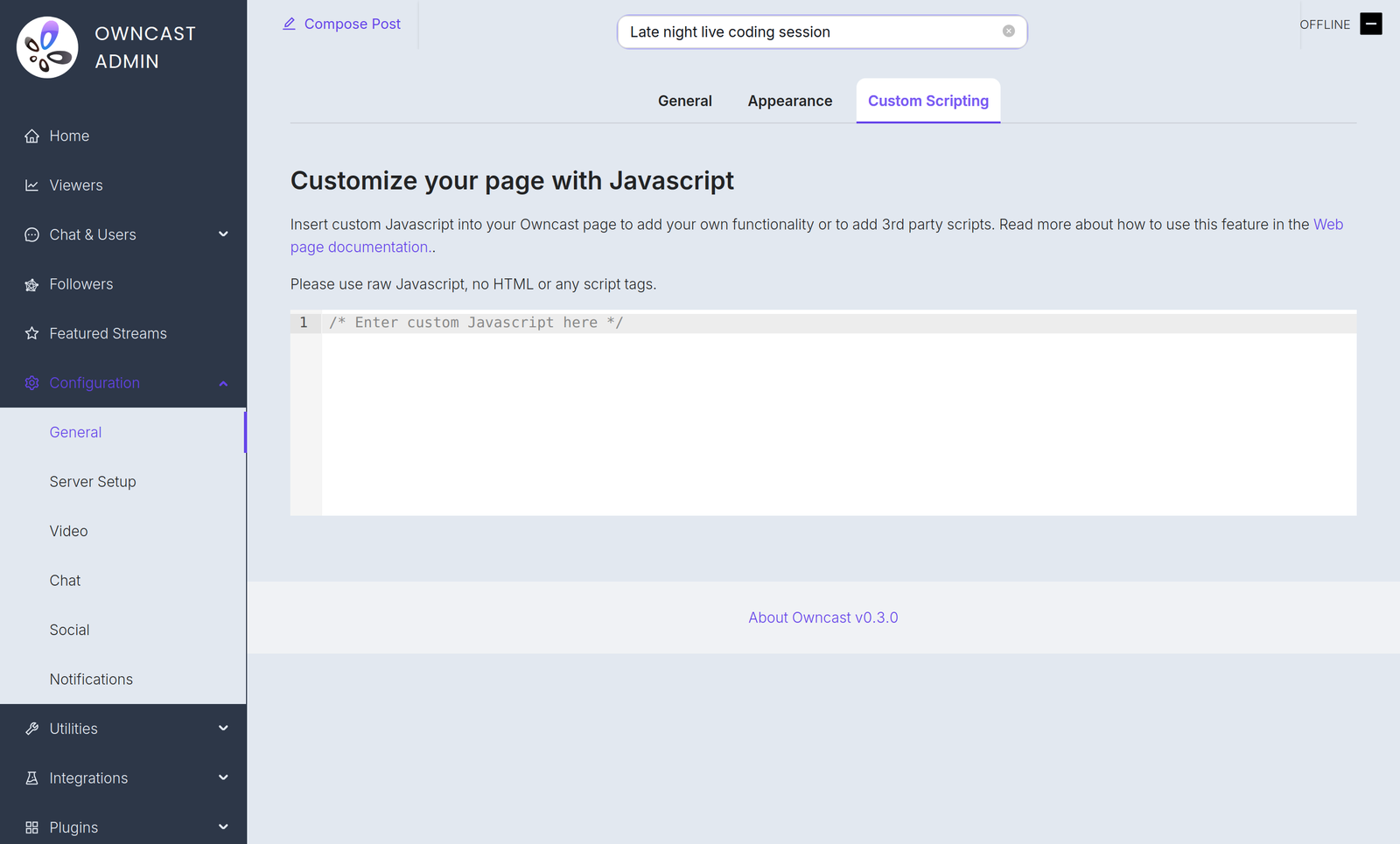
If you have some JavaScript you need to run when your Owncast web page loads, you can add it in the admin under Configuration > General > Custom Scripting.
これが必要な理由のいくつかの例:
- プライバシーを尊重した分析を追加する。
- ページに埋め込んだ決済処理を初期化する。
- Use JavaScript to manipulate the interface.
Plugin scripts require Owncast v0.3.0
Starting in Owncast 0.3.0, the /customjavascript endpoint serves your code followed by the scripts of every enabled plugin, so your code and plugin scripts share the same page context.

Owncat warns you
Double check your JavaScript. ページに挿入する不正確な構文やエラーは、エラーを引き起こし、ページの読み込みが停止したり機能が動作しなくなる可能性があります。
Improve this page
See something missing or incorrect? Edit this page and improve the documentation for everyone.
Contributors to this documentation
