 Owncast はカスタムプラグインをサポートするようになりました。
Amazon Fire TV
Streaming device
amazonfire-tvvlcstreaming-boxtelevisionwatching
VLC for Fire TV
推奨VLCを使ってFire TVデバイスでOwncastのストリームを直接再生できます。
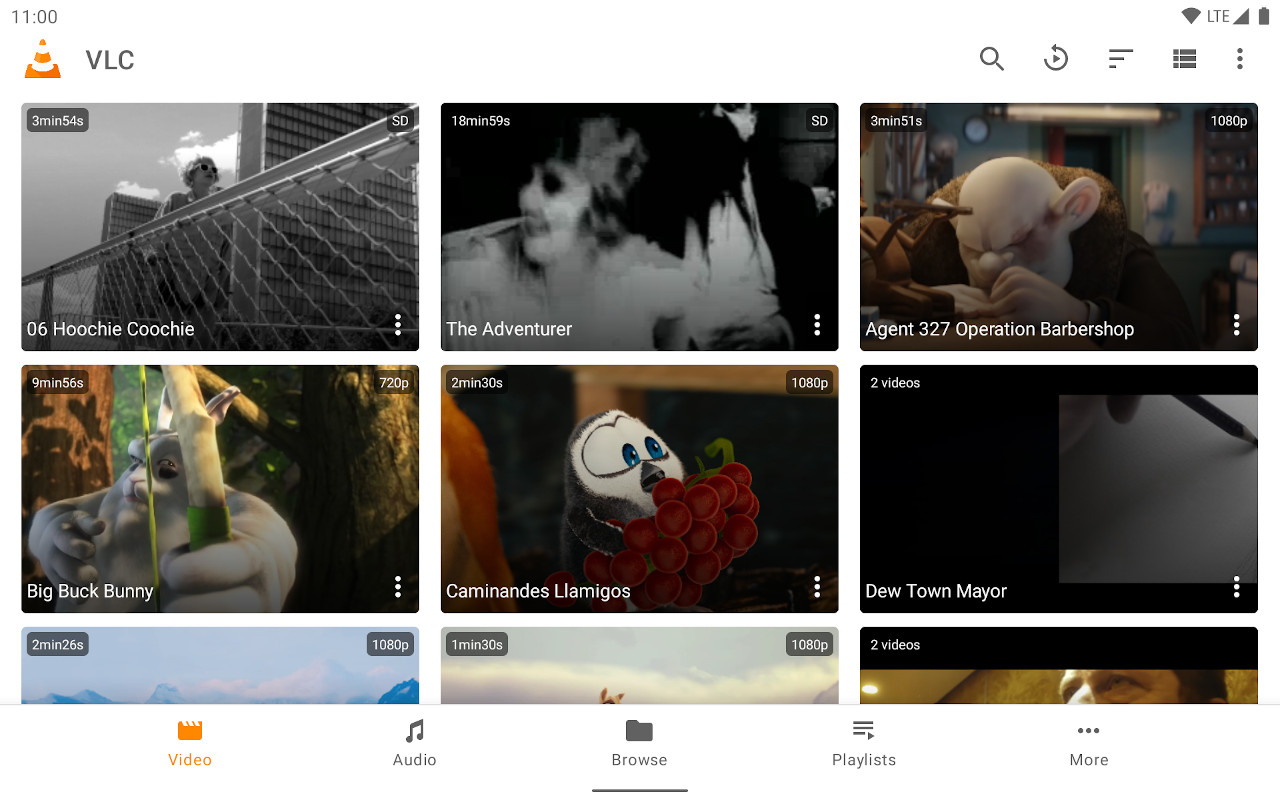
- 優れたストリームサポートを備えた信頼性の高いメディアプレーヤー。
- 任意のOwncastサーバーのURLを直接入力できます。
- 無料で広く利用可能です。
ステップごとの手順を表示
- Amazon App StoreからVLC for Amazon Fire TVをインストールします。
- Select Streams from the Browsing row.
- Enter the stream URL. The direct HLS form is the most reliable, for example
https://watch.owncast.online/hls/stream.m3u8. - Select the send arrow next to the field to start playback.
Improve this page
See something missing or incorrect? Edit this page and improve the documentation for everyone.
Contributors to this documentation
