 Owncast はカスタムプラグインをサポートするようになりました。
Apple TV
Streaming device
エアプレイ公式アプリappletvtvOSiOSiPadOSmacOSテレビ視聴
tvOS 用の Owncasts
推奨ネイティブの tvOS 用の Owncasts アプリを使用して、Owncast ディレクトリをブラウズするか、直接自分のサーバーに接続します。
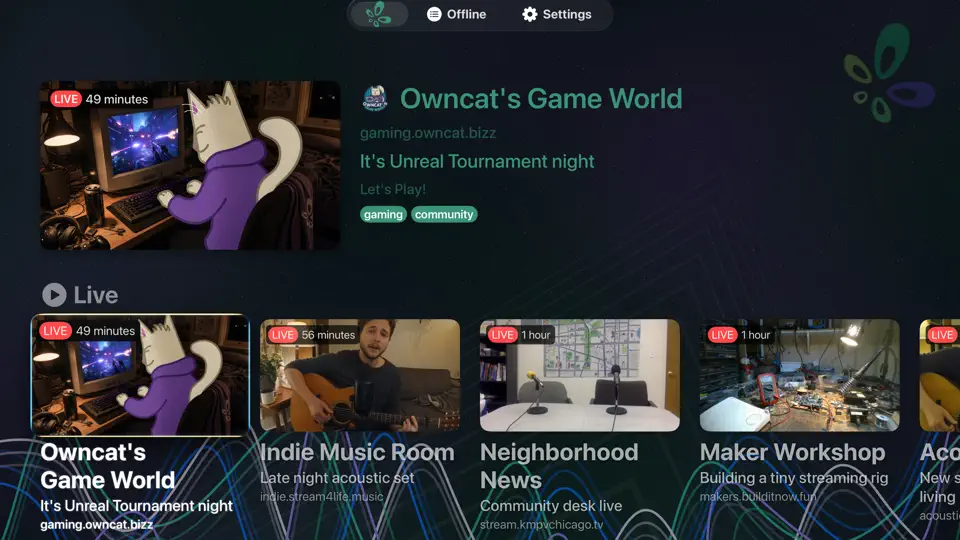
- 主に Owncast ストリームを視聴する場合、最良の体験。
- ディレクトリブラウジングを組み込んだシンプルなインターフェース。
- キャスティングやミラーリングは不要。

ステップバイステップの手順を表示
- Apple TV で App Store を開きます。
- Owncasts を検索してアプリをインストールします。
- tvOS 用の Owncasts を起動します。
- ディレクトリをブラウズするか、設定で Owncast サーバーの URL を追加します。
- ストリームを選択し、視聴を開始します。
tvOS 用の VLC
VLC を使用して Owncast の URL をネットワークストリームとして直接開きます。
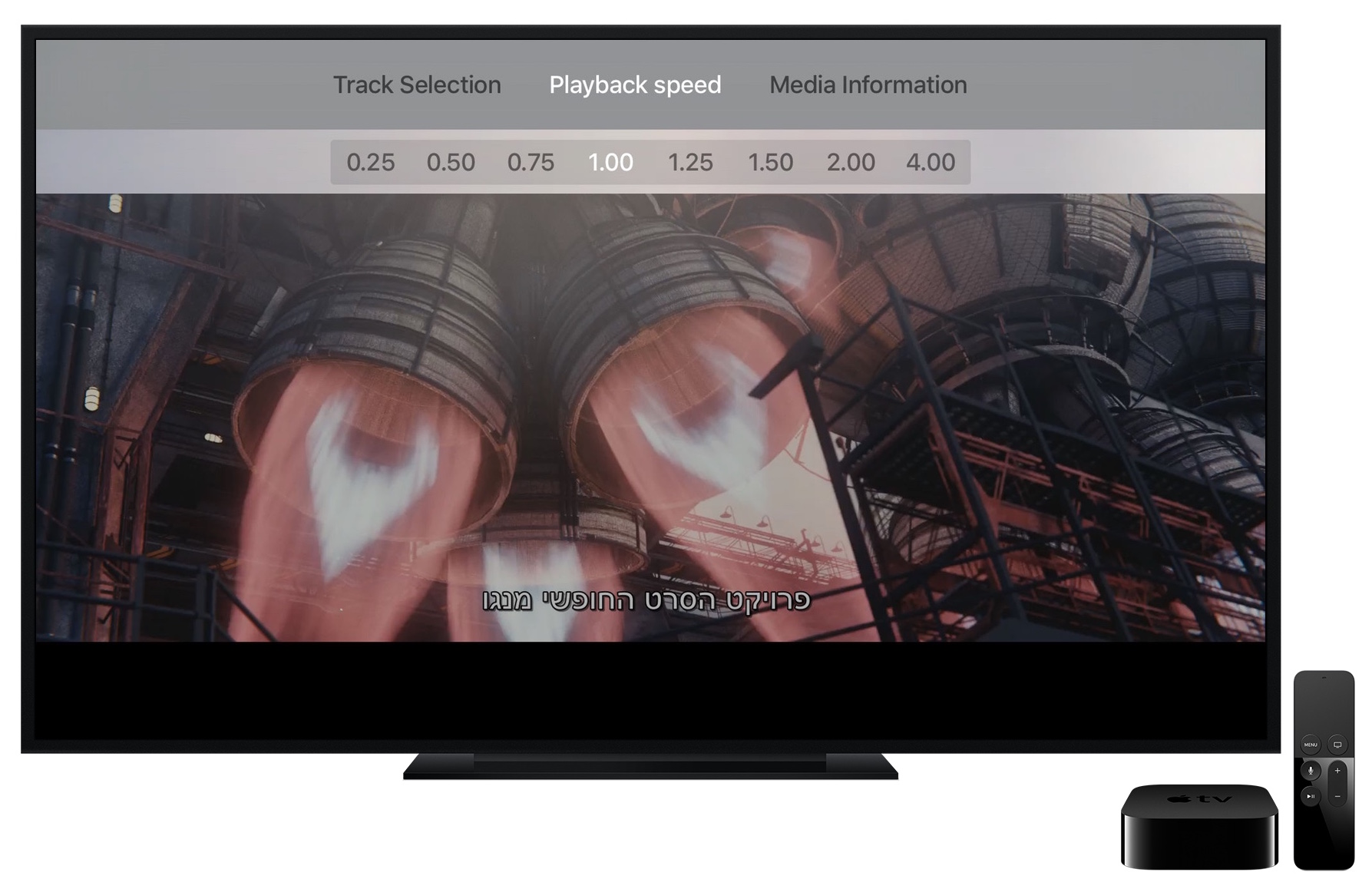
- 他のデバイスで VLC を使用している場合は良い。
- メインの Owncast ページ URL または直接 HLS URL で動作します。
ステップバイステップの手順を表示
- tvOS App Store から VLC をインストールします。
- VLC を開き、ネットワークストリームを選択します。
- Type your Owncast URL into the Enter URL to play field. The direct HLS form is the most reliable, for example
https://watch.yourserver.tld/hls/stream.m3u8. - Submit the field to start playback. VLC keeps recent stream URLs on this screen so you can pick the stream again later.
iPhone または iPad からの AirPlay
iPhone/iPad で Owncast ストリームを再生し、Apple TV に AirPlay します。
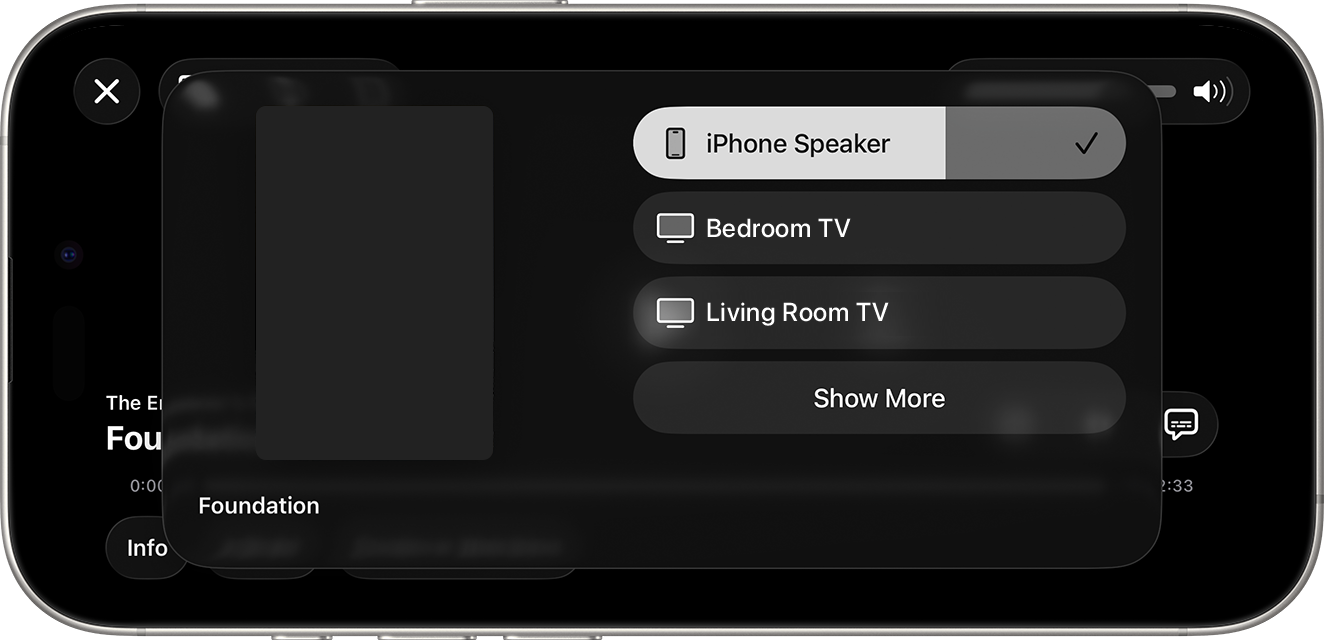
- 主に電話で視聴しているが、時々テレビに送信したい場合は優れています。
- 追加の tvOS アプリは不要です。
ステップバイステップの手順を表示
- iOS または iPadOS のブラウザで Owncast ストリームを開きます。 あるいは、Owncasts iOS アプリを使用して開きます。
- 再生を開始します。
- コントロールセンターを開き、AirPlay アイコンをタップします。
- Apple TV を選択します。
Mac からの AirPlay
Owncast ストリームを Mac で再生し、その動画を Apple TV にミラーリングまたは AirPlay します。
- Apple TV にストリーミングするためにノートパソコンを使用したい場合に良い。
- Safari から、または macOS から画面共有で動作します。
ステップバイステップの手順を表示
- Mac の Safari で Owncast ストリームを開きます。
- 再生を開始します。
- メニューバーの 画面ミラーリング / AirPlay アイコン、またはビデオプレーヤーのコンテンツがある場合はそのアイコンを使用します。
- Apple TV を選択します。
tvOS 用の iPlayTV
iPlayTV を使用して、Apple TV で IPTV プレイリストを介して Owncast ディレクトリをブラウズします。
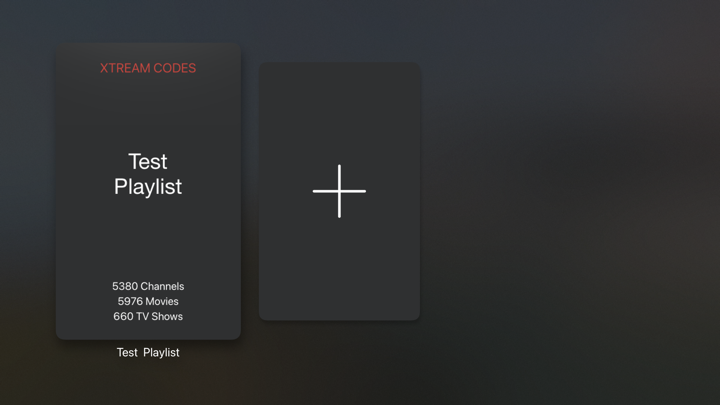
- テレビで直接 Owncast ディレクトリ全体をブラウズします。
- ディレクトリ統合のための IPTV プレイリストのサポート。
- Reload the playlist to pick up the streams that are live now.
ステップバイステップの手順を表示
- tvOS App Store から iPlayTV をインストールします。
- Open iPlayTV and choose Add Playlist.
- Choose the remote M3U link option and enter the directory playlist URL:
https://owncast.directory/api/iptv - Give the playlist a name and save it.
- Open the playlist and browse the available Owncast streams.
Improve this page
See something missing or incorrect? Edit this page and improve the documentation for everyone.
Contributors to this documentation
