 Owncast はカスタムプラグインをサポートするようになりました。
Google TV
Smart TV
google-tvandroid-tvvlcsmart-tvtelevisionwatching
VLC for Android TV
推奨Google Play ストアのVLCを使用して、Google TVでOwncastの配信を再生します。
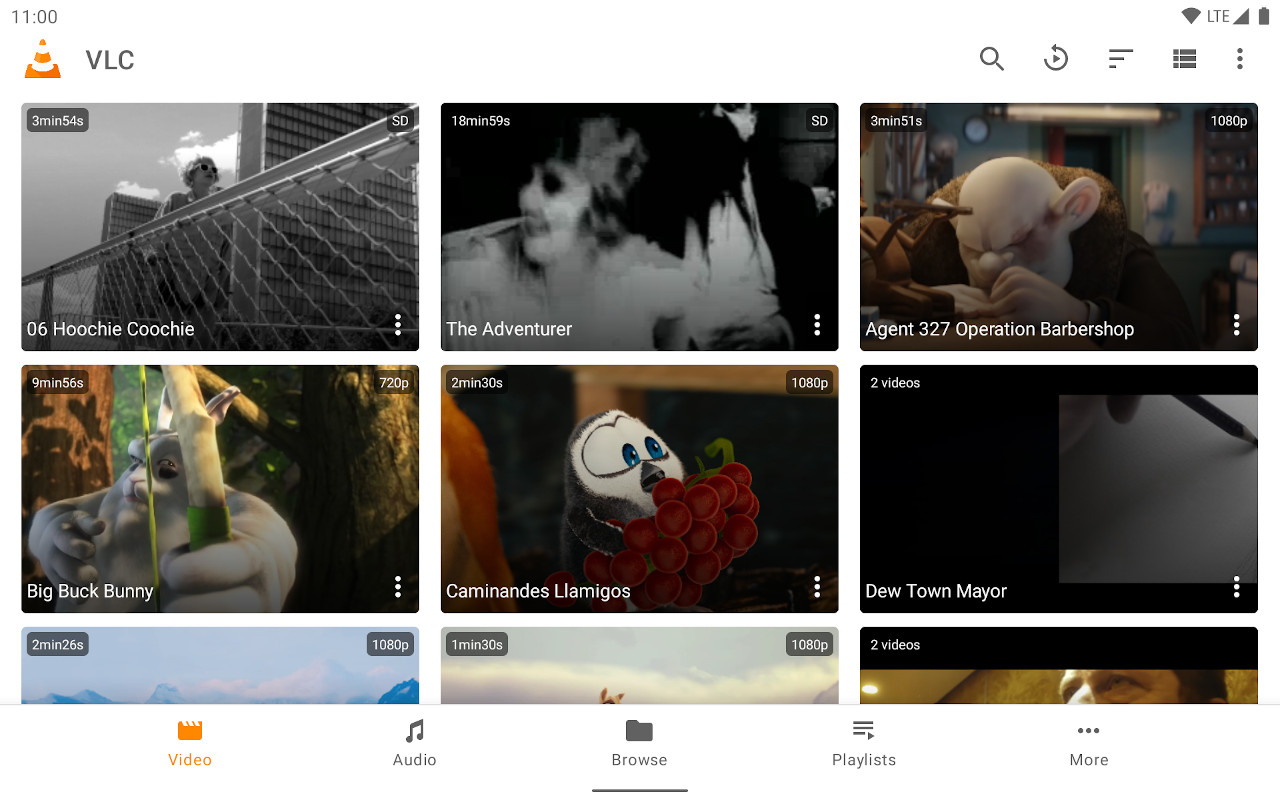
- テレビ向けインターフェースに最適化されたフル機能のメディアプレーヤー。
- ストリームURLの入力が簡単。
- 無料で定期的に更新されます。
ステップバイステップの手順を表示
- Google Play ストアからVLCをインストールします。
- Select Streams from the Browsing row.
- Enter the stream URL. The direct HLS form is the most reliable, for example
https://watch.owncast.online/hls/stream.m3u8. - Select the send arrow next to the field to start playback.
Improve this page
See something missing or incorrect? Edit this page and improve the documentation for everyone.
Contributors to this documentation
