
ロク
Streaming device
ロクエアプレイ公式アプリストリーミングボックステレビ視聴中
Roku用Owncasts
おすすめ公式のOwncastsアプリを使用して、RokuでOwncastディレクトリを直接閲覧します。
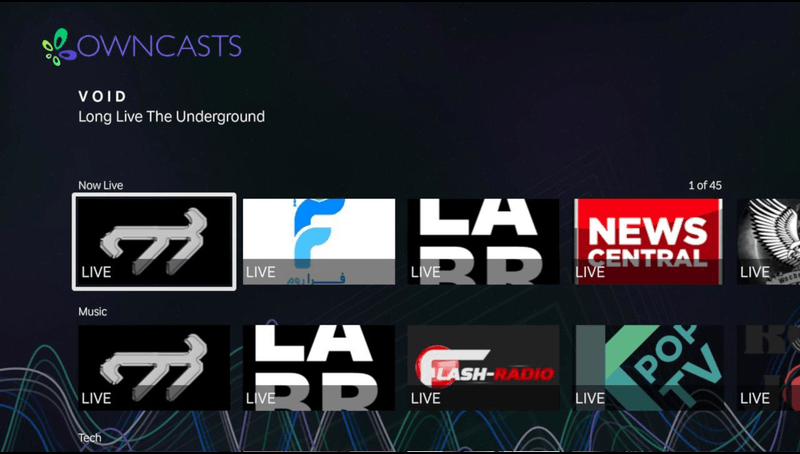
- RokuでOwncastディレクトリを直接閲覧します。
- Rokuプラットフォーム用に構築された公式アプリ。
- テレビリモコン用に設計されたシンプルなインターフェース。
手順を表示
- RokuチャンネルストアからRoku用Owncastsをインストールします。
- アプリケーションを起動します。
- 視聴したいストリームを探します。
- 視聴を開始するストリームを選択します。

RokuにAirPlay
iPhoneまたはMacからAirPlay対応のRokuデバイスにストリームします。
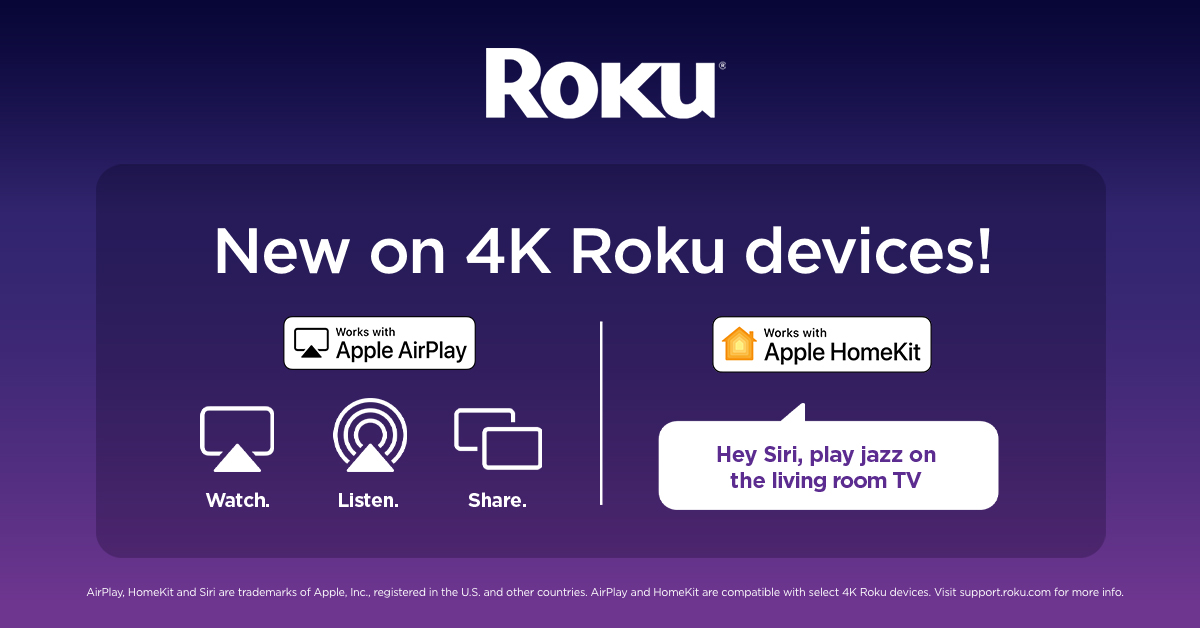
- AirPlayをサポートする新しいRokuデバイスで動作します。
- iPhone、iPad、またはMacからストリームします。
- 追加のRokuアプリは不要です。
手順を表示
- 見たいOwncastストリームをiPhoneまたはMacコンピュータで開きます。
- Owncastストリームを再生します。
- AirPlayボタンを押します。
- Rokuデバイスを選択します。
詳細については、AppleのAirPlayドキュメントをご覧ください。
Improve this page
See something missing or incorrect? Edit this page and improve the documentation for everyone.
Contributors to this documentation
