 Owncast はカスタムプラグインをサポートするようになりました。
ウェブプレーヤー
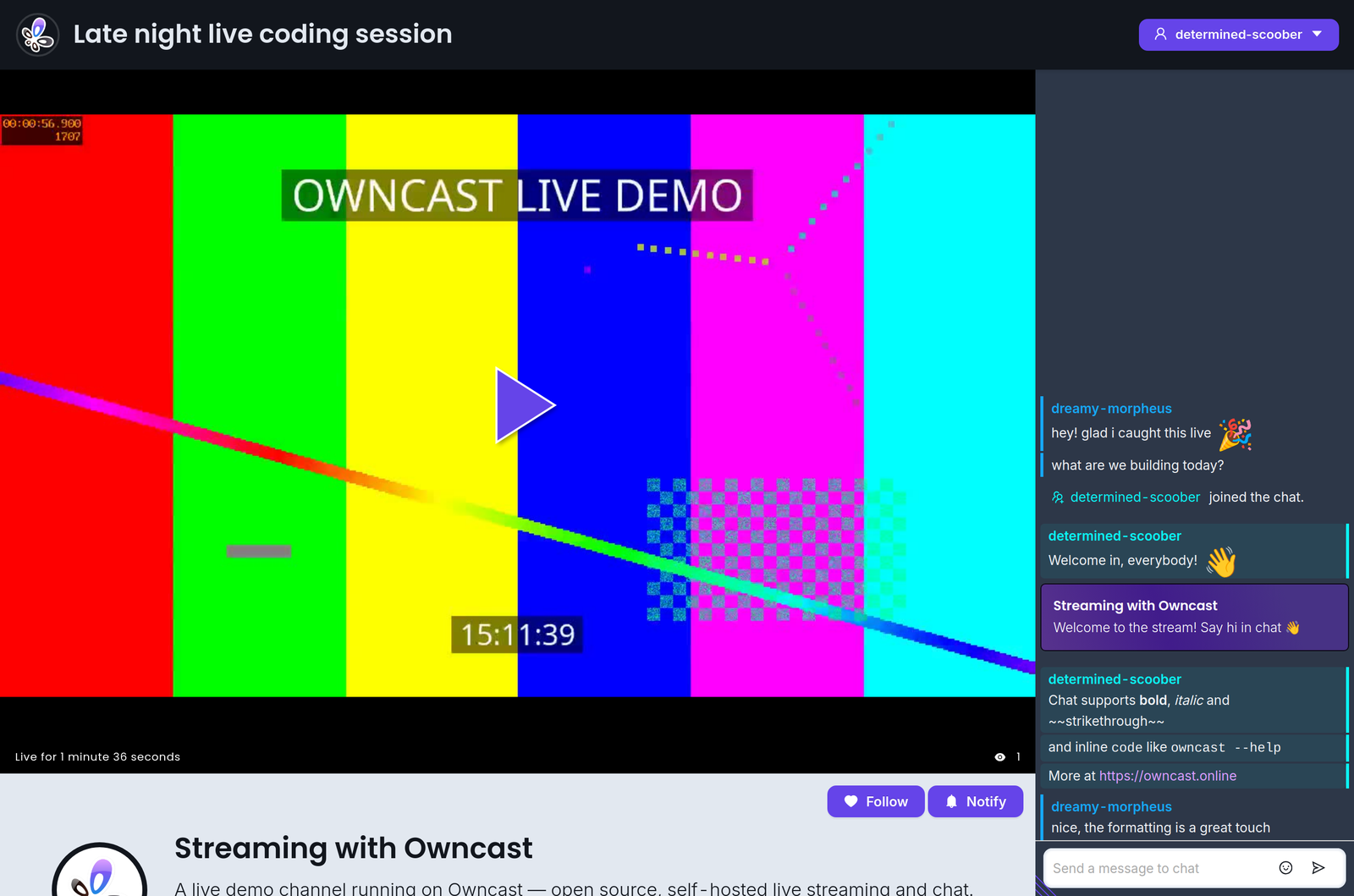
Owncastウェブビデオプレーヤーには使用できるいくつかのキーボードショートカットがあります。
| アクション | ショートカット |
|---|---|
| 再生/一時停止 | スペースバー |
| 音量を上げる | 0 |
| 音量を下げる | 9 |
| ミュート | m |
| 全画面表示の切り替え | f |
| チャットを切り替える | c |
Shortcuts do not fire while you are typing in chat or another text field.
Improve this page
See something missing or incorrect? Edit this page and improve the documentation for everyone.
Contributors to this documentation
