 Owncast agora suporta plugins customizados.
 Configuração
Para a maioria das pessoas, o Owncast será totalmente utilizável imediatamente sem configuração adicional. Basta seguir o Início Rápido e você começará a transmitir em minutos.
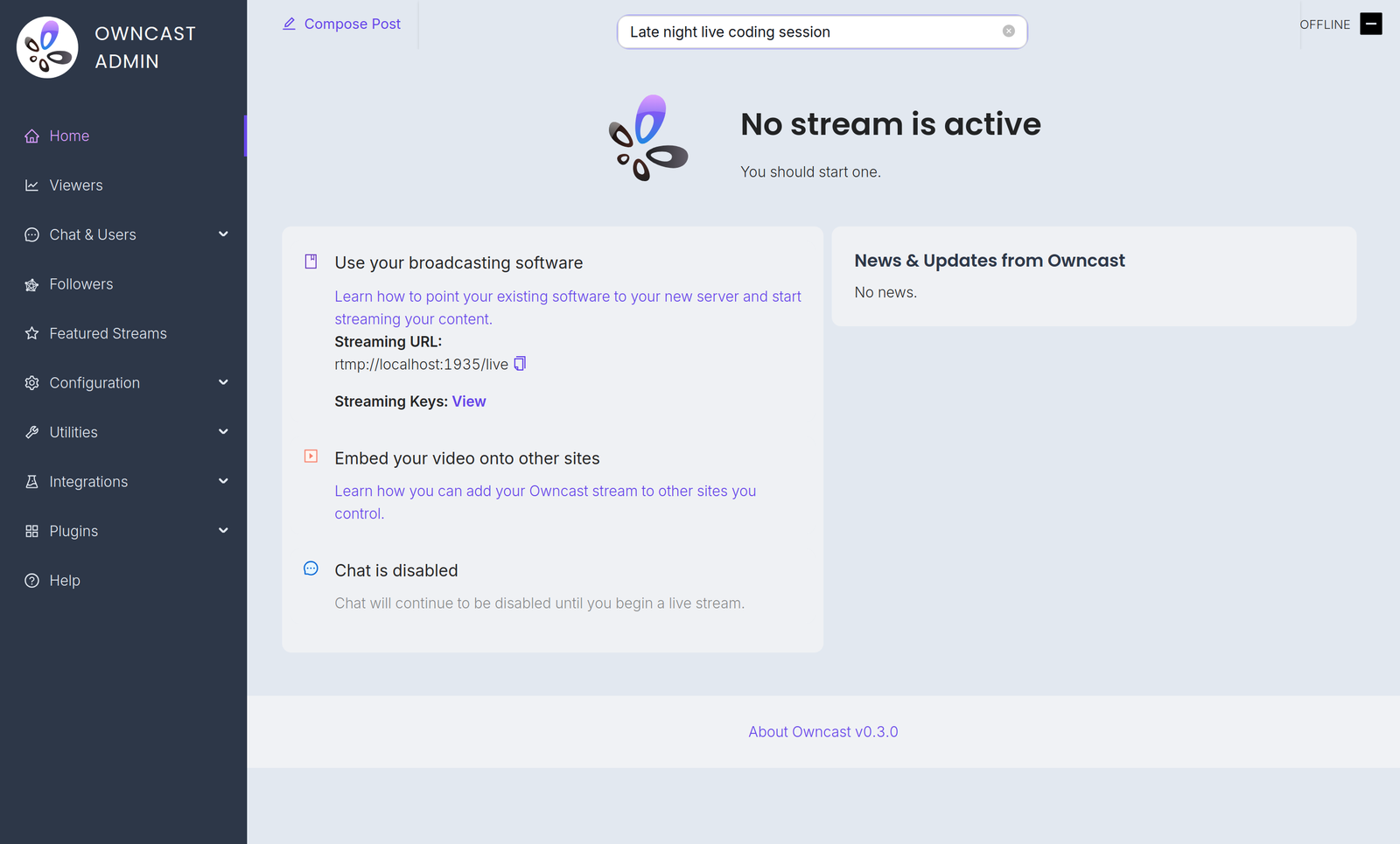
Configuration is done in the admin. Acesse em /admin no seu servidor e entre com sua senha de administrador. The Configuration menu contains:
- General: your server name, logo, tags and page content. See customizing your website.
- Server Setup: admin password, stream keys, ports and S3 storage. See server setup.
- Video: quality variants, latency and codec settings. See video quality.
- Chat: enable or disable chat and set moderation rules. See chat moderation.
- Social: Fediverse participation and social links. See social features.
- Notifications: let your audience know when you go live. See notifications.
A few related settings live elsewhere in the admin. Webhooks, Access Tokens and External Actions are under Integrations. Custom emoji are under Chat > Emojis.
You can also extend Owncast's functionality with plugins or by building your own bots, overlays, tools and integrations on the APIs.
Improve this page
See something missing or incorrect? Edit this page and improve the documentation for everyone.
Contributors to this documentation
