 Owncast agora suporta plugins customizados.
Kodi
Other device
kodiplugincentro-mídiaraspberry-pihtpctelevisãoassistindo
Plugin Owncast Kodi
RecomendadoInstale o plugin oficial do Owncast para navegar no diretório diretamente dentro do Kodi.
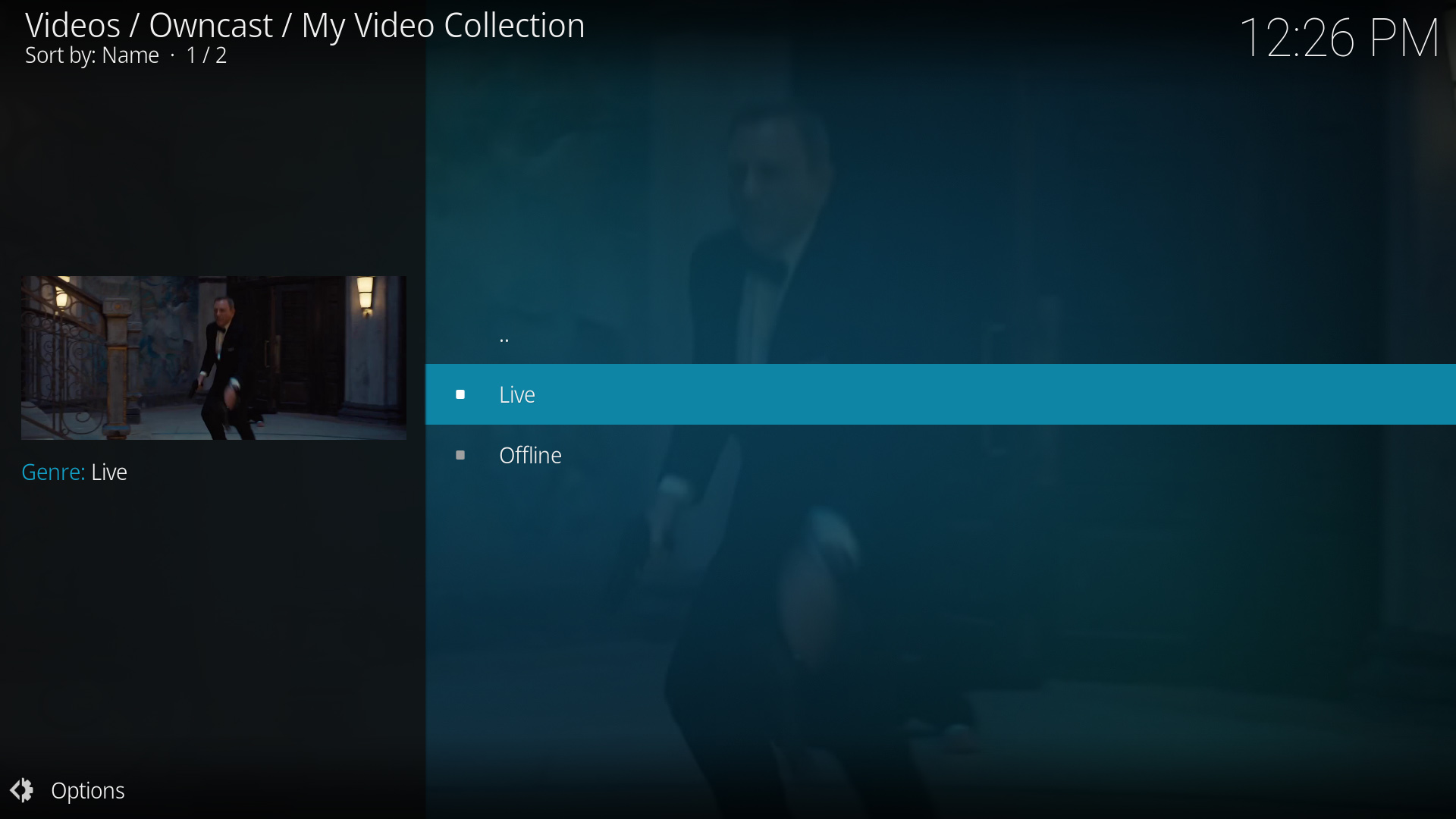
- Navegue por todo o diretório Owncast a partir do Kodi.
- Plugin dedicado construído especificamente para Owncast.
- Integra-se perfeitamente à interface do Kodi.
Mostrar instruções passo a passo
- Visite o Plugin Owncast Kodi no repositório do GitHub de rAcHekLoS.
- Siga as instruções de instalação do plugin no GitHub.
- Inicie o plugin na seção de complementos do Kodi.
- Navegue pelos streams disponíveis do Owncast a partir do diretório.
- Selecione um stream para começar a assistir.
Reprodução via URL Direta
Play a single Owncast stream by pointing Kodi at a small .strm file that holds the stream URL.
- Funciona com qualquer instalação do Kodi.
- Acesso direto a servidores específicos do Owncast.
- Não são necessários plugins adicionais.
Mostrar instruções passo a passo
- Create a plain text file named
owncast.strmcontaining only your stream's HLS URL, for examplehttps://watch.owncast.online/hls/stream.m3u8. - Put the file in a folder Kodi can reach, either on the same machine or on a network share.
- In Kodi, go to Videos > Files and select Add videos....
- Choose Browse, select the folder holding
owncast.strm, and select OK. For a network share, use Add network location... first to set the protocol, server, and shared folder. - Open the source, select
owncast.strm, and choose Play.
Kodi's Add network location... dialog asks for a protocol, server, and shared folder, so it cannot take a full stream URL on its own. The .strm file is what makes the stream playable.
Improve this page
See something missing or incorrect? Edit this page and improve the documentation for everyone.
Contributors to this documentation
