 Теперь Owncast поддерживает кастомные плагины.
 Add custom JavaScript
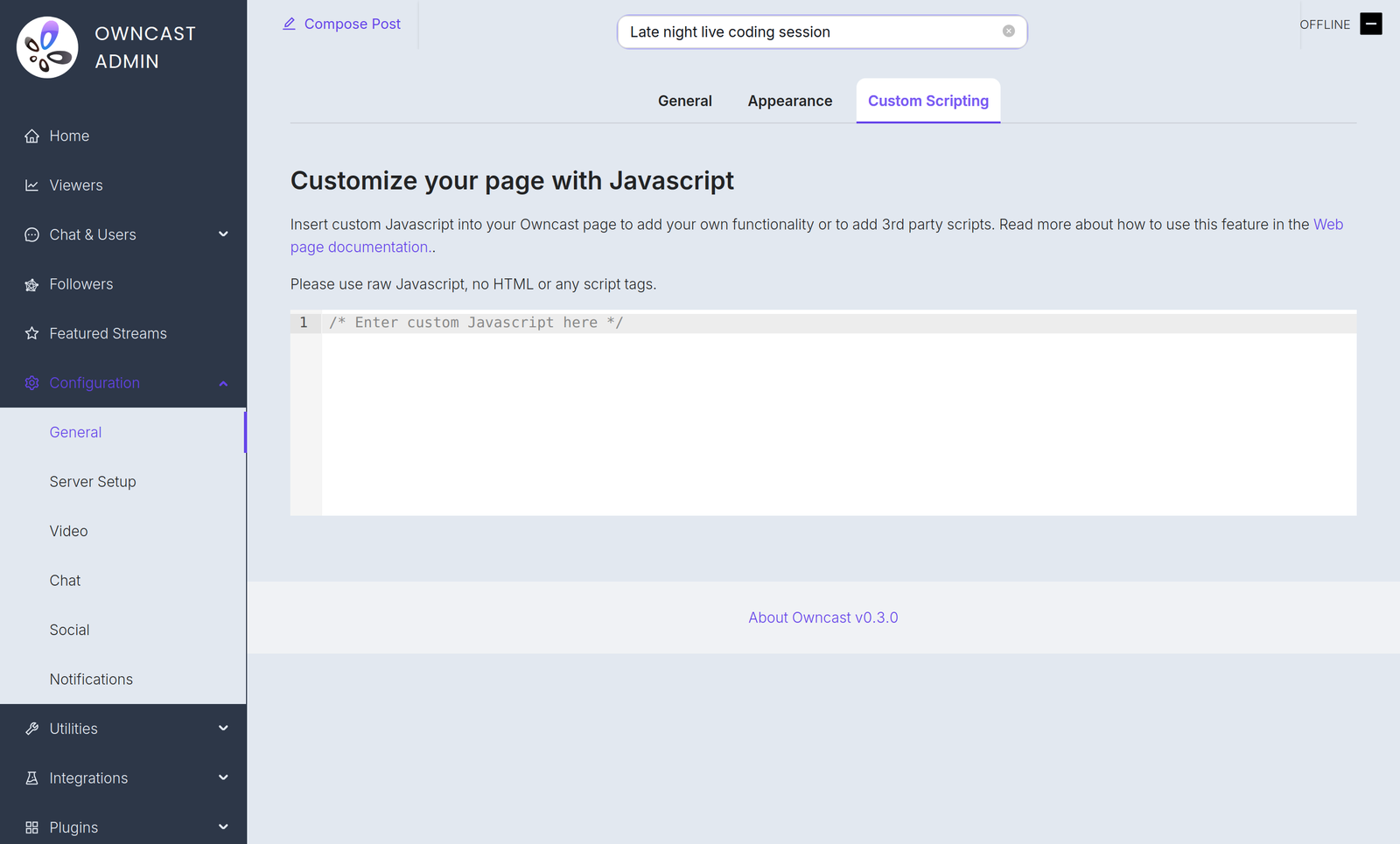
If you have some JavaScript you need to run when your Owncast web page loads, you can add it in the admin under Configuration > General > Custom Scripting.
Некоторые примеры причин, по которым вам может это понадобиться:
- Добавление аналитики, уважающей конфиденциальность.
- Инициализация платежного процессора, который вы встроили на свою страницу.
- Use JavaScript to manipulate the interface.
Plugin scripts require Owncast v0.3.0
Starting in Owncast 0.3.0, the /customjavascript endpoint serves your code followed by the scripts of every enabled plugin, so your code and plugin scripts share the same page context.

Owncat warns you
Double check your JavaScript. Любой некорректный синтаксис или ошибки, которые вы внесете на страницу, могут вызвать ошибки и помешать загрузке страницы или ее функциональности.
Improve this page
See something missing or incorrect? Edit this page and improve the documentation for everyone.
Contributors to this documentation
