 Теперь Owncast поддерживает кастомные плагины.
Google TV
Smart TV
google-tvandroid-tvvlcsmart-tvtelevisionwatching
VLC для Android TV
РекомендуетсяИспользуйте VLC из магазина Google Play для воспроизведения потоков Owncast на вашем Google TV.
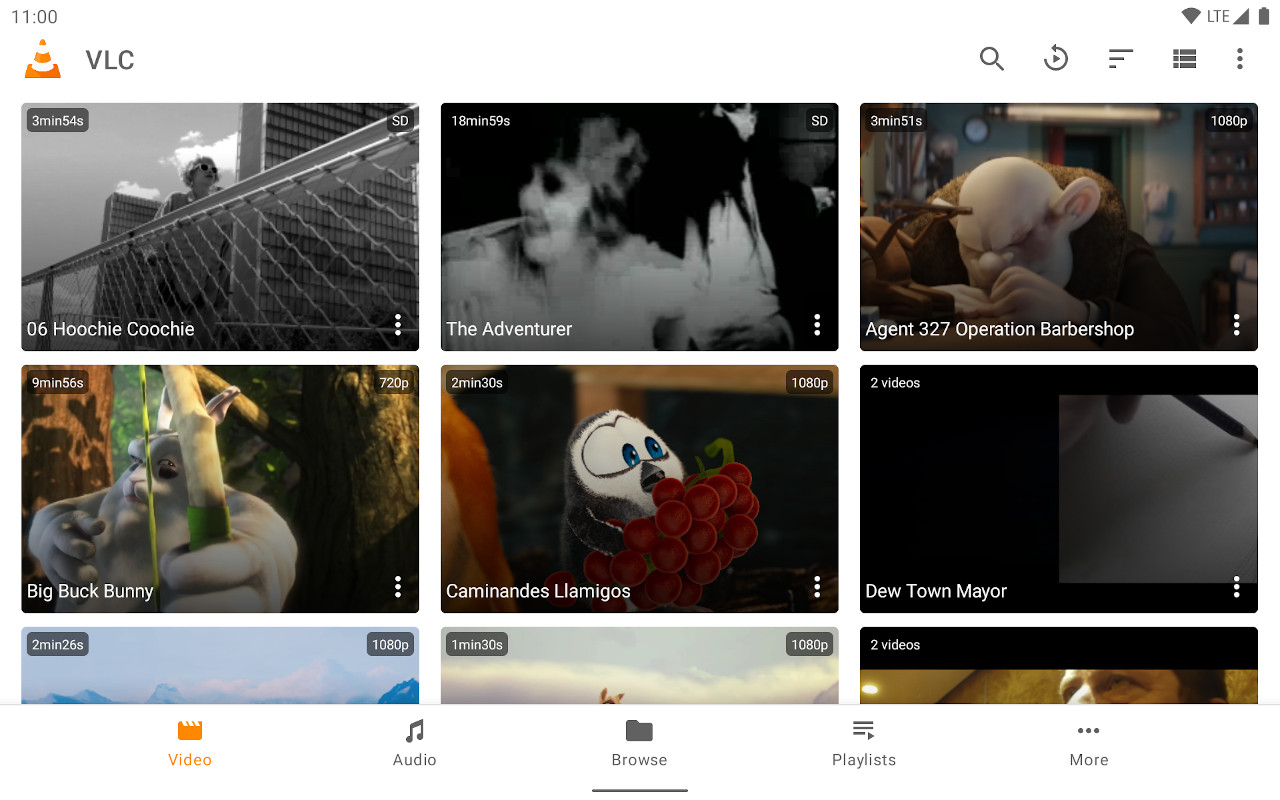
- Полнофункциональный медиаплеер, оптимизированный для интерфейса телевизора.
- Простой ввод URL-адреса потока.
- Бесплатный и регулярно обновляемый.
Показать пошаговые инструкции
- Установите VLC из магазина Google Play.
- Select Streams from the Browsing row.
- Enter the stream URL. The direct HLS form is the most reliable, for example
https://watch.owncast.online/hls/stream.m3u8. - Select the send arrow next to the field to start playback.
Improve this page
See something missing or incorrect? Edit this page and improve the documentation for everyone.
Contributors to this documentation
