 Теперь Owncast поддерживает кастомные плагины.
Коди
Other device
kodiплагинмедиа-центрмалина-пиHTPCтелевидениепросмотр
Плагин Owncast для Kodi
РекомендуемыйУстановите официальный плагин Owncast, чтобы просматривать директорию прямо в Kodi.
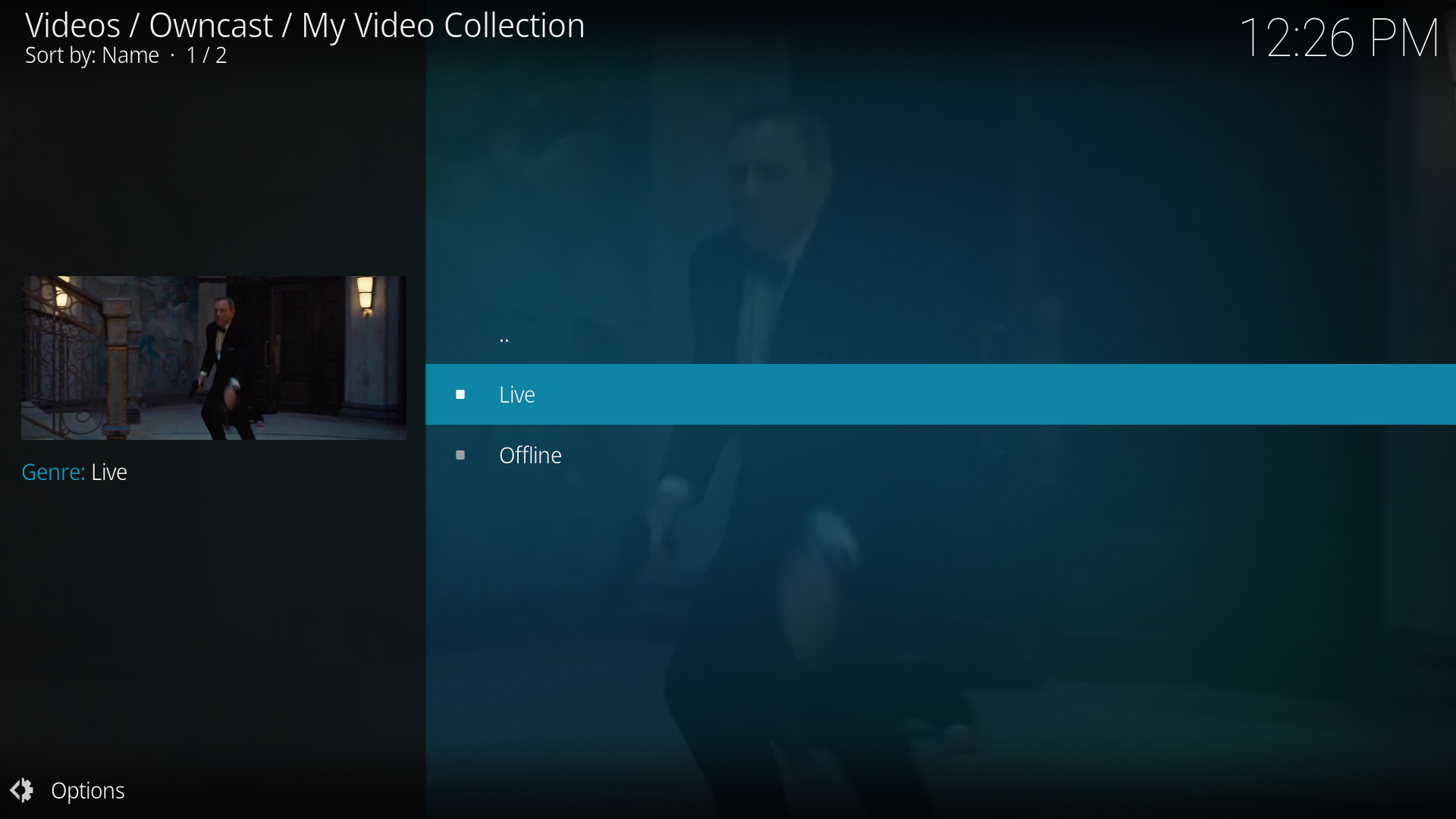
- Просматривайте всю директорию Owncast из Kodi.
- Специальный плагин, созданный специально для Owncast.
- Интегрируется с интерфейсом Kodi.
Показать пошаговые инструкции
- Посетите Плагин Owncast Kodi репозиторий на GitHub от rAcHekLoS.
- Следуйте инструкциям по установке плагина на GitHub.
- Запустите плагин из раздела дополнений Kodi.
- Просмотрите доступные потоки Owncast из директории.
- Выберите поток, чтобы начать просмотр.
Прямой URL воспроизведение
Play a single Owncast stream by pointing Kodi at a small .strm file that holds the stream URL.
- Работает с любой установкой Kodi.
- Прямой доступ к определенным серверам Owncast.
- Не требуются дополнительные плагины.
Показать пошаговые инструкции
- Create a plain text file named
owncast.strmcontaining only your stream's HLS URL, for examplehttps://watch.owncast.online/hls/stream.m3u8. - Put the file in a folder Kodi can reach, either on the same machine or on a network share.
- In Kodi, go to Videos > Files and select Add videos....
- Choose Browse, select the folder holding
owncast.strm, and select OK. For a network share, use Add network location... first to set the protocol, server, and shared folder. - Open the source, select
owncast.strm, and choose Play.
Kodi's Add network location... dialog asks for a protocol, server, and shared folder, so it cannot take a full stream URL on its own. The .strm file is what makes the stream playable.
Improve this page
See something missing or incorrect? Edit this page and improve the documentation for everyone.
Contributors to this documentation
