 Owncast 现在支持自定义插件。
配置
对于大多数人来说,Owncast 可以完全开箱即用,而无需额外配置。 只需按照 快速入门 您就可以在几分钟内开始直播。
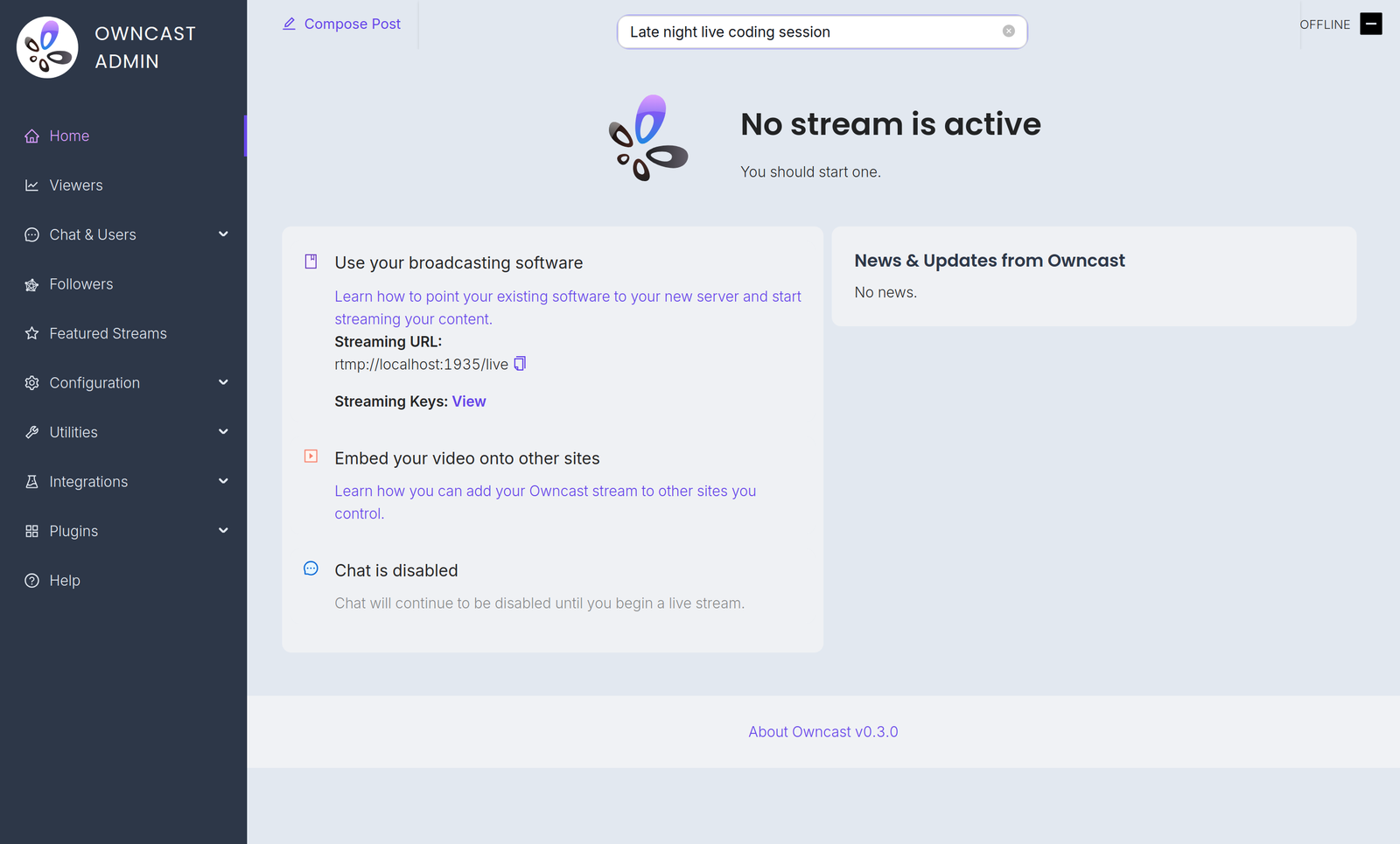
Configuration is done in the admin. 在您的服务器上打开 /admin 并使用您的管理员密码登录。 The Configuration menu contains:
- General: your server name, logo, tags and page content. See customizing your website.
- Server Setup: admin password, stream keys, ports and S3 storage. See server setup.
- Video: quality variants, latency and codec settings. See video quality.
- Chat: enable or disable chat and set moderation rules. See chat moderation.
- Social: Fediverse participation and social links. See social features.
- Notifications: let your audience know when you go live. See notifications.
A few related settings live elsewhere in the admin. Webhooks, Access Tokens and External Actions are under Integrations. Custom emoji are under Chat > Emojis.
You can also extend Owncast's functionality with plugins or by building your own bots, overlays, tools and integrations on the APIs.
Improve this page
See something missing or incorrect? Edit this page and improve the documentation for everyone.
Contributors to this documentation
