 Owncast 现在支持自定义插件。
Add custom JavaScript
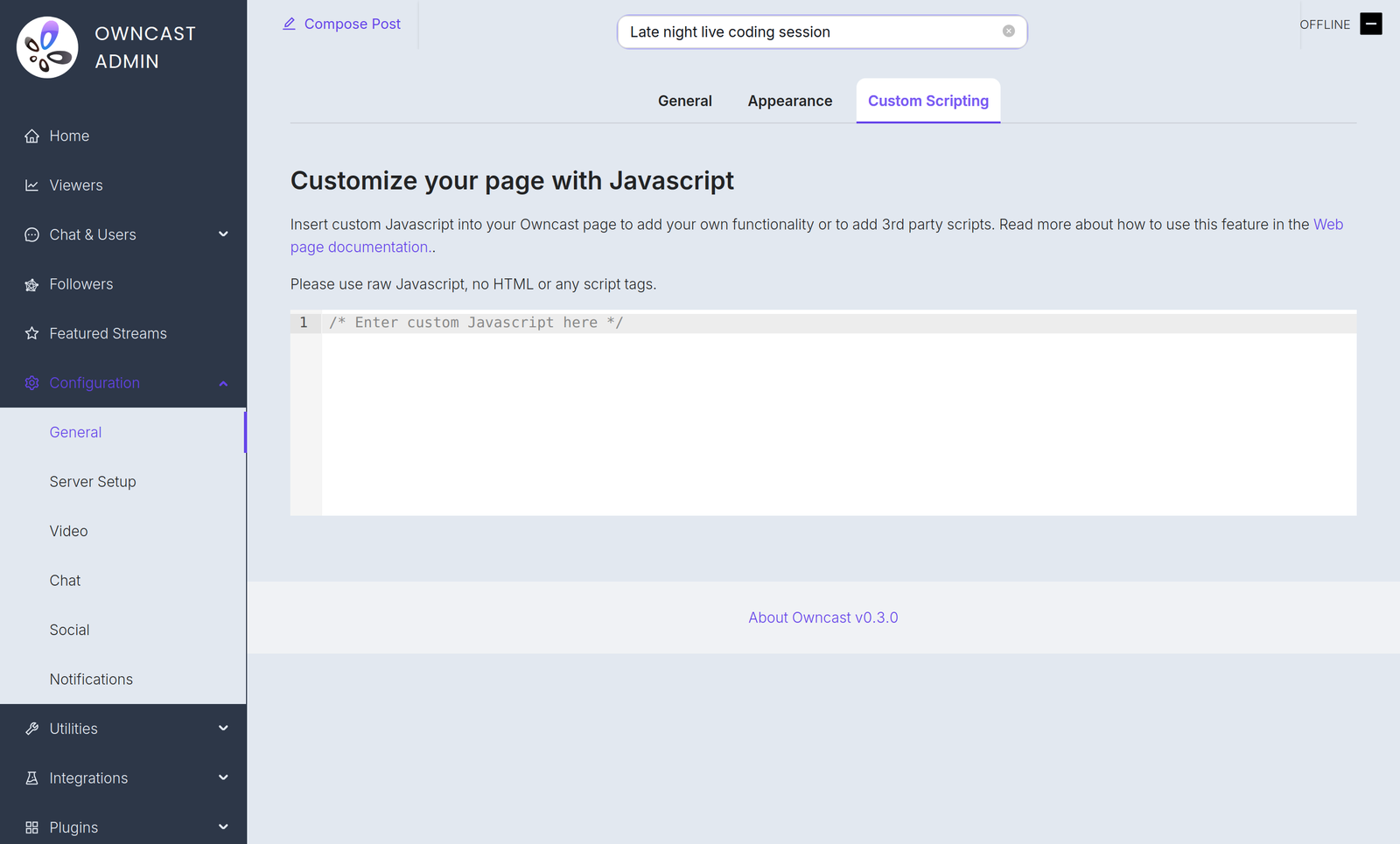
If you have some JavaScript you need to run when your Owncast web page loads, you can add it in the admin under Configuration > General > Custom Scripting.
您可能需要此功能的一些原因:
- 添加尊重隐私的分析。
- 初始化您嵌入在页面上的支付处理器。
- Use JavaScript to manipulate the interface.
Plugin scripts require Owncast v0.3.0
Starting in Owncast 0.3.0, the /customjavascript endpoint serves your code followed by the scripts of every enabled plugin, so your code and plugin scripts share the same page context.

Owncat warns you
Double check your JavaScript. 您插入页面的任何不正确的语法或错误可能会导致错误,停止页面加载或功能无法正常工作。
Improve this page
See something missing or incorrect? Edit this page and improve the documentation for everyone.
Contributors to this documentation
