 Owncast 现在支持自定义插件。
更改您的流密钥和管理员密码
管理员
You can set the admin password and add stream keys in the admin under Configuration > Server Setup. See Server Setup for details on each tab. Stream keys and the admin password are unrelated settings. Changing one does not change the other.
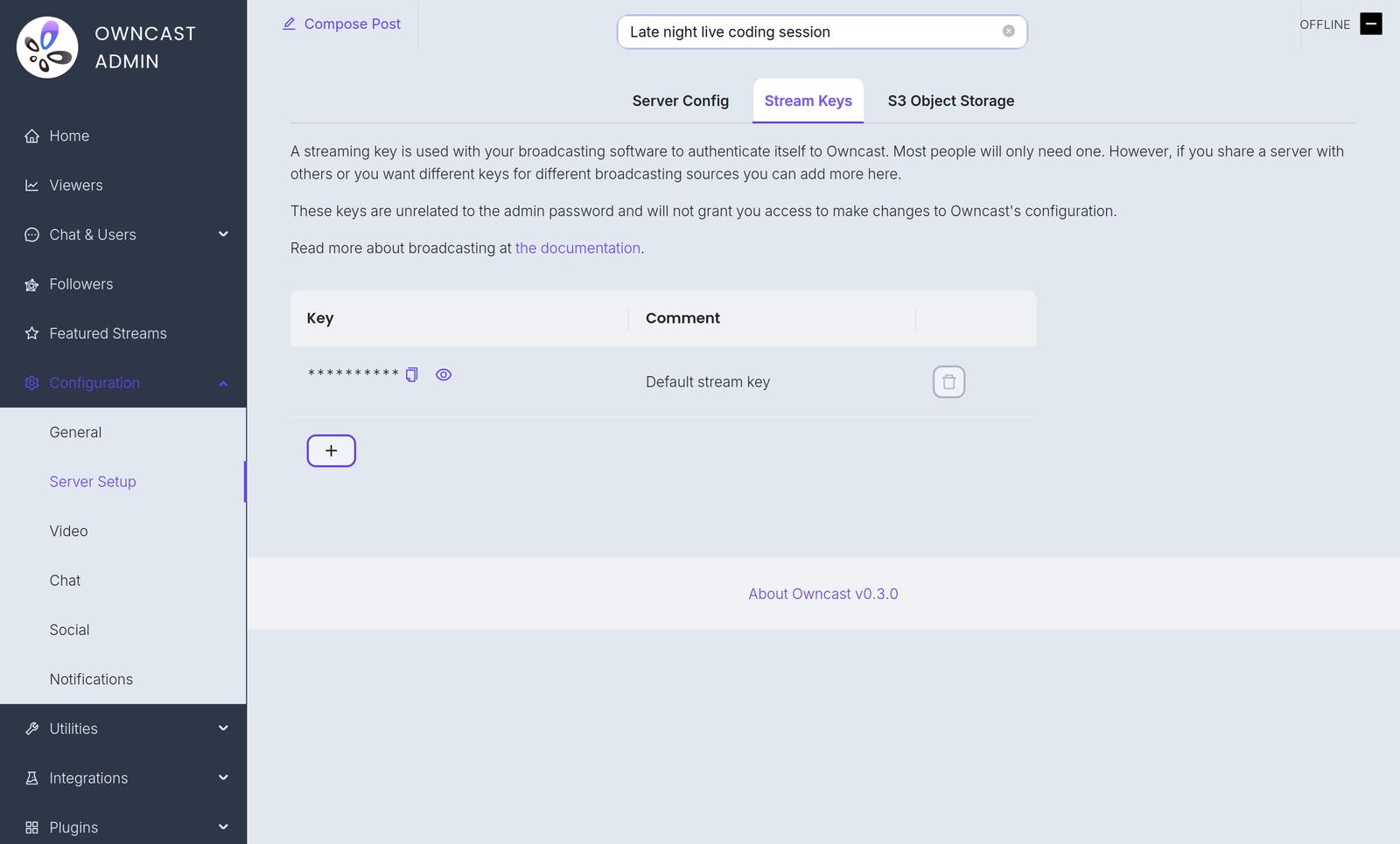
流密钥
命令行标志
You can set a temporary stream key with the --streamkey command line flag. 运行 Owncast 并使用 --help 查看所有可用选项。
- 停止服务运行。
- 运行
owncast --streamkey newkey
This override lasts only as long as the process runs. While it is active it replaces your persisted stream keys for RTMP authentication and the Stream Keys tab is hidden in the admin. Restart Owncast without the flag to go back to your saved keys.
管理员密码
You can change the admin password in the admin under Configuration > Server Setup. You can also set it at run time with the --adminpassword command line flag.
Improve this page
See something missing or incorrect? Edit this page and improve the documentation for everyone.
