 Owncast 现在支持自定义插件。
苹果电视
Streaming device
AirPlay官方应用appletvtvOSiOSiPadOSmacOS电视观看中
tvOS 的 Owncasts
推荐使用本地的 tvOS Owncasts 应用浏览 Owncast 目录或直接连接到您的服务器。
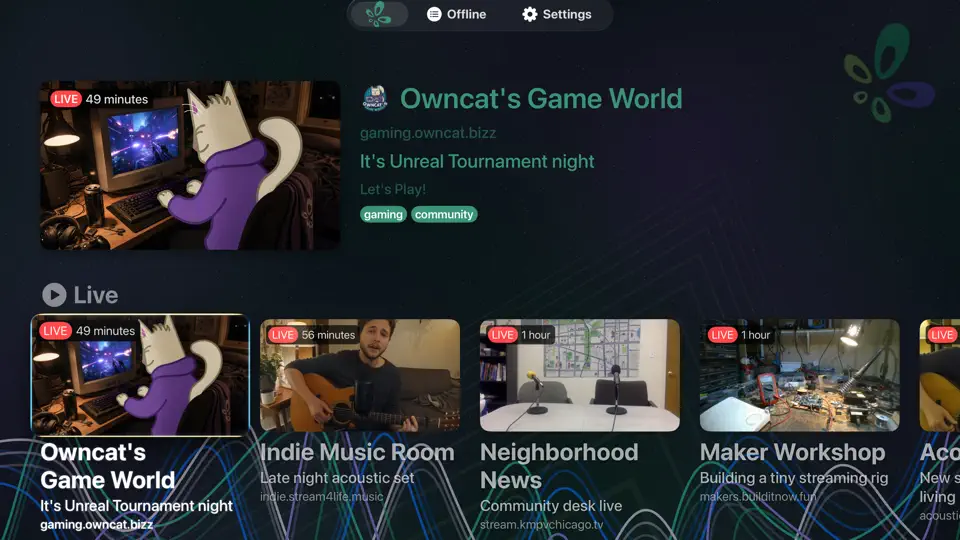
- 如果您主要观看 Owncast 流,则体验最佳。
- 自带目录浏览的简单界面。
- 无需投射或镜像。

显示逐步说明
- 在您的 Apple TV 上打开 App Store。
- 搜索 Owncasts 并安装该应用。
- 启动 tvOS 的 Owncasts。
- 浏览目录或在设置中添加您的 Owncast 服务器 URL。
- 选择一个流并开始观看。
tvOS 的 VLC
使用 VLC 直接打开您的 Owncast URL 作为网络流。
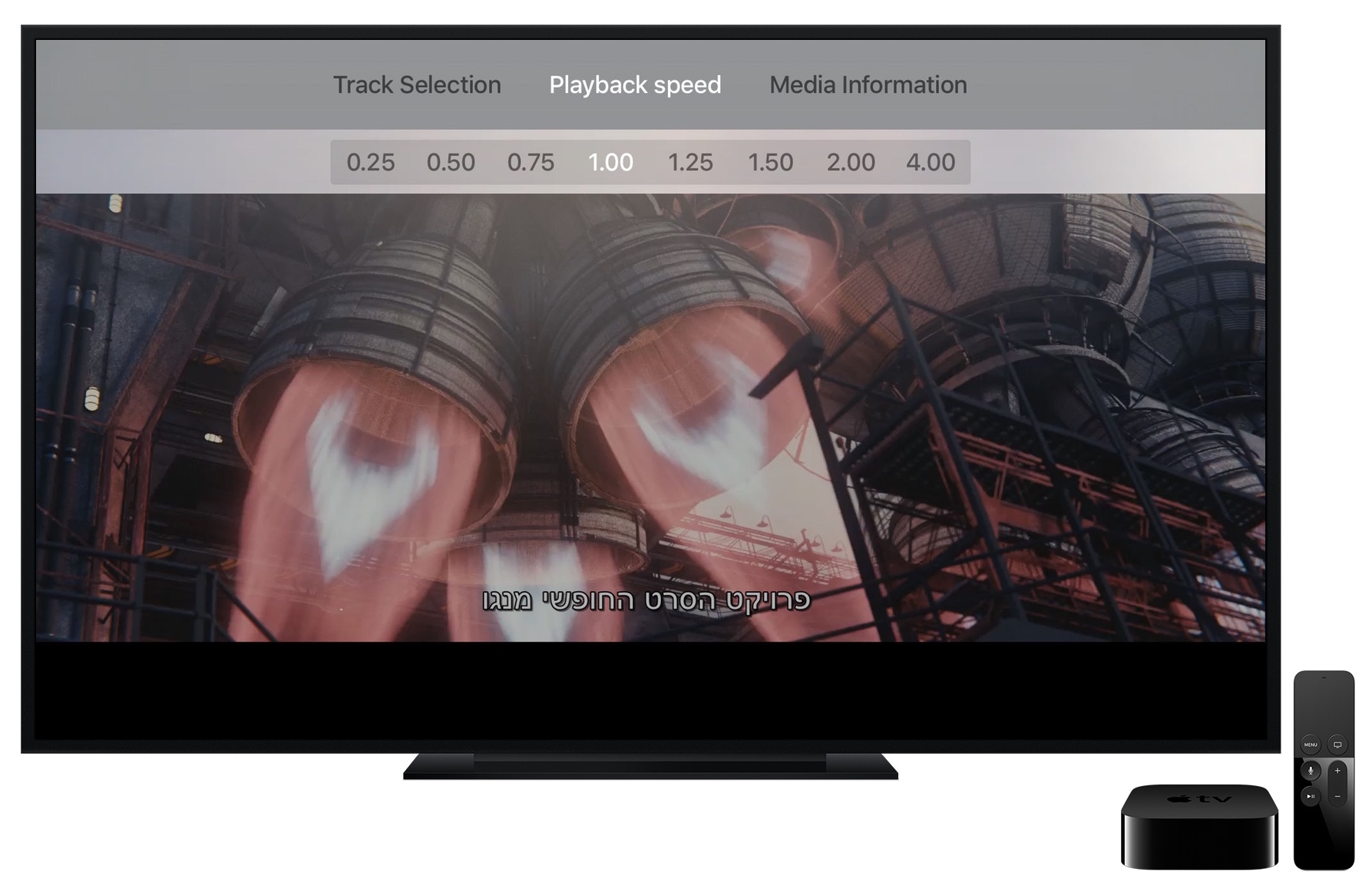
- 如果您已经在其他设备上使用 VLC,则效果良好。
- 与主 Owncast 页面 URL 或直接 HLS URL 一起使用。
显示逐步说明
- 从 tvOS App Store 安装 VLC。
- 打开 VLC 并导航到 网络流。
- Type your Owncast URL into the Enter URL to play field. The direct HLS form is the most reliable, for example
https://watch.yourserver.tld/hls/stream.m3u8. - Submit the field to start playback. VLC keeps recent stream URLs on this screen so you can pick the stream again later.
从 iPhone 或 iPad 播放 AirPlay
在您的 iPhone/iPad 上播放 Owncast 流并通过 AirPlay 发送到您的 Apple TV。
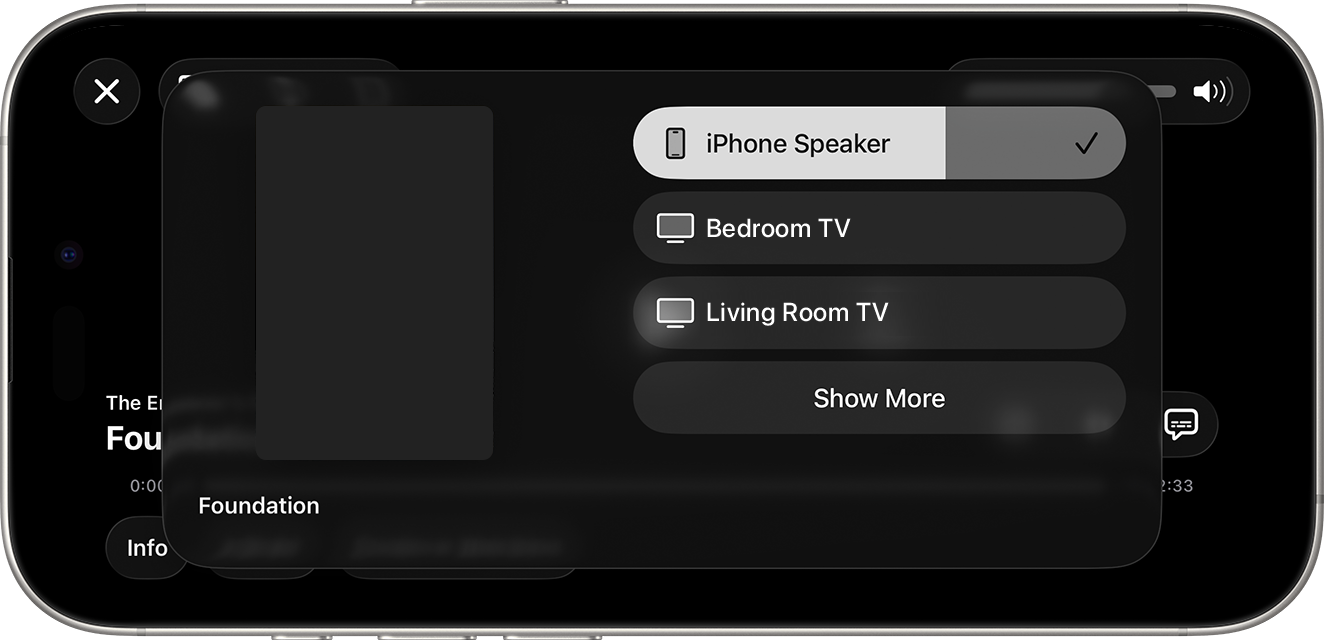
- 如果您主要在手机上观看,但想偶尔将其发送到电视上,那么非常适合。
- 无需额外的 tvOS 应用。
显示逐步说明
- 在 iOS 或 iPadOS 浏览器中打开 Owncast 流。 或者使用 Owncasts iOS 应用程序打开。
- 开始播放。
- 打开 控制中心,并点击 AirPlay 图标。
- 选择您的 Apple TV。
从 Mac 播放 AirPlay
在 Mac 上播放 Owncast 流,然后将视频镜像或 AirPlay 到 Apple TV。
- 如果您想使用笔记本电脑流式传输到 AppleTV,这很不错。
- 可从 Safari 或 macOS 进行屏幕共享。
显示逐步说明
- 在您的 Mac 上的 Safari 中打开 Owncast 流。
- 开始播放。
- 使用菜单栏中的 屏幕镜像 / AirPlay 图标,或在视频播放器中(如果可用)。
- 选择您的 Apple TV。
tvOS 的 iPlayTV
使用 iPlayTV 通过 Apple TV 的 IPTV 播放列表浏览 Owncast 目录。
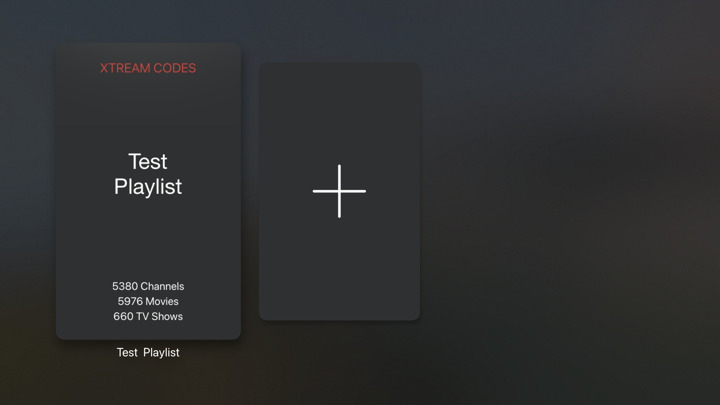
- 直接在您的电视上浏览整个 Owncast 目录。
- 支持 IPTV 播放列表以进行目录集成。
- Reload the playlist to pick up the streams that are live now.
显示逐步说明
- 从 tvOS 应用商店安装 iPlayTV。
- Open iPlayTV and choose Add Playlist.
- Choose the remote M3U link option and enter the directory playlist URL:
https://owncast.directory/api/iptv - Give the playlist a name and save it.
- Open the playlist and browse the available Owncast streams.
Improve this page
See something missing or incorrect? Edit this page and improve the documentation for everyone.
Contributors to this documentation
