 Owncast 现在支持自定义插件。
iPhone 和 iPad
Other device
iPhoneiPadiOSiPadOS官方应用Safari移动AirPlay观看
iOS 的 Owncasts
推荐使用本地 Owncasts 应用浏览目录或直接连接到您的 Owncast 服务器。
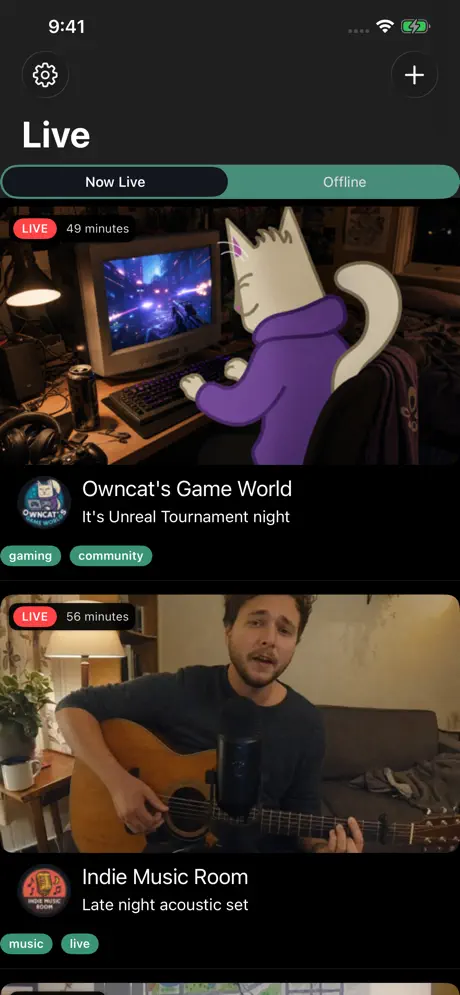
- 在移动设备上观看 Owncast 流的最佳体验。
- 内置目录浏览功能。
- 支持多任务的画中画功能。
- AirPlay 集成,用于投放到电视上。
显示逐步说明
- 从 App Store 安装 Owncasts for iOS。
- 启动应用程序,浏览目录或在设置中添加您自己的 Owncast 服务器。
- 选择一个流以开始观看。
- 使用 AirPlay 按钮投放到兼容的设备上,如 Apple TV 或支持 AirPlay 的电视。

Safari 浏览器
直接在 Safari 中观看 Owncast 流,支持全屏和 AirPlay。
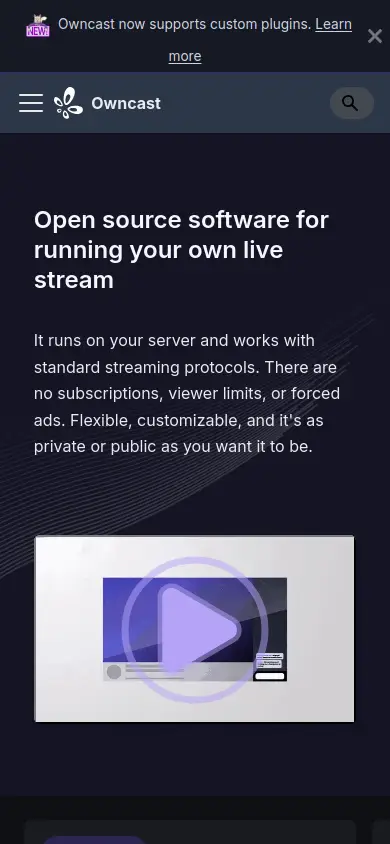
- 无须安装应用。
- 与任何 Owncast 服务器兼容。
- 视频播放器中内置 AirPlay 控制。
- 在支持的设备上支持画中画功能。
显示逐步说明
- 在您的 iPhone 或 iPad 上打开 Safari。
- 导航到您的 Owncast 服务器 URL(例如,
https://watch.owncast.online)。 - 点击播放按钮以开始流。
- 在视频控制中使用 AirPlay 按钮投放到其他设备上。
- 点击全屏按钮以进行沉浸式观看。
VLC for iOS
使用 VLC 播放 Owncast 流,具有高级播放控件和选项。
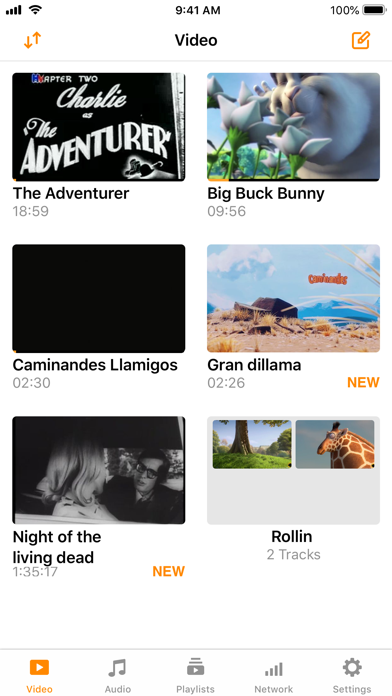
- 高级媒体播放器,支持广泛的格式。
- 支持直接 URL 输入的网络流。
- 离线播放能力。
- 内置 AirPlay 支持。
显示逐步说明
- 从 App Store 安装 VLC for iOS。
- Open VLC and select the Browse tab.
- Select Open Network Stream.
- Enter your Owncast URL. The direct HLS form is the most reliable, for example
https://watch.owncast.online/hls/stream.m3u8. - Tap the Open arrow to start playback.
- 如有需要,使用 AirPlay 按钮投放到其他设备。
AirPlay 到电视
从您的 iPhone 或 iPad 向 Apple TV、兼容 AirPlay 的电视或其他 AirPlay 接收器流。
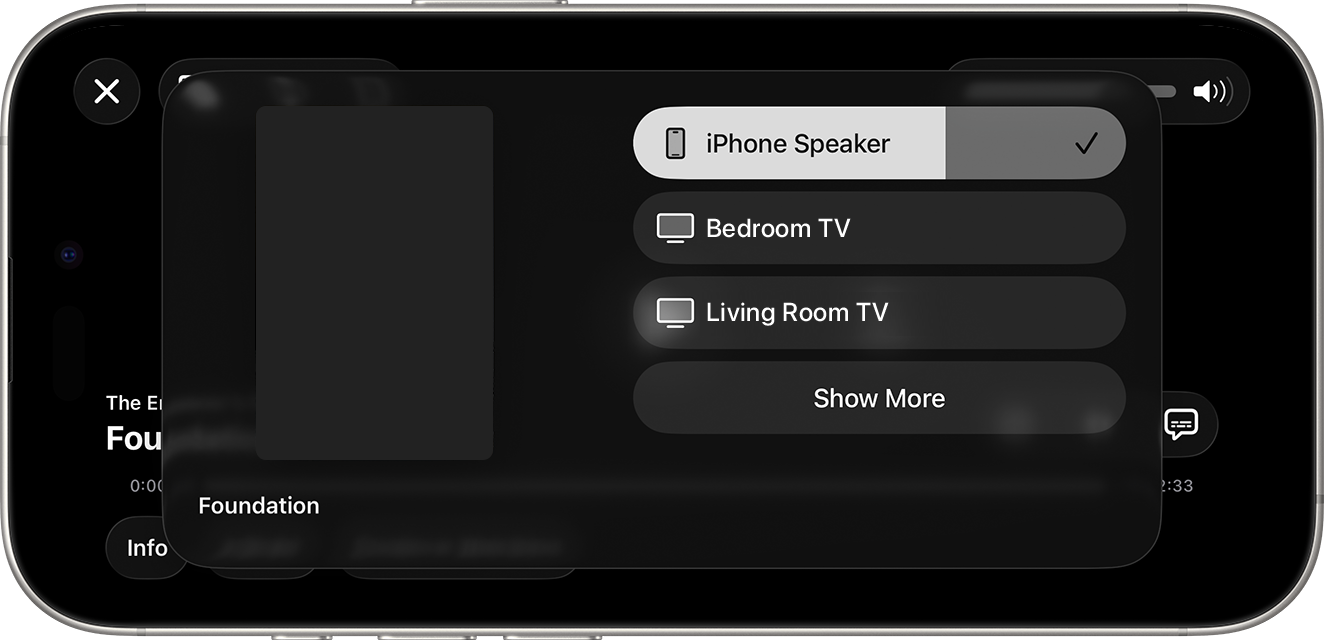
- 可以从 Owncasts 应用和 Safari 中使用。
- 向大屏幕高质量视频流。
- 通过手机控制播放。
- 在流式播放时继续使用您的手机。
显示逐步说明
- 在您的 iPhone 或 iPad 上开始播放 Owncast 流(使用 Owncasts 应用或 Safari)。
- 寻找视频控制或应用界面中的 AirPlay 按钮。
- 点击 AirPlay 按钮并选择目标设备(Apple TV、智能电视等)。
- 流将在所选设备上播出。
- 使用您的 iPhone/iPad 作为遥控器。
有关更多详细信息,请访问 Apple 的 AirPlay 文档。
控制中心 AirPlay
使用控制中心快速将任何 Owncast 流 AirPlay 到兼容设备。
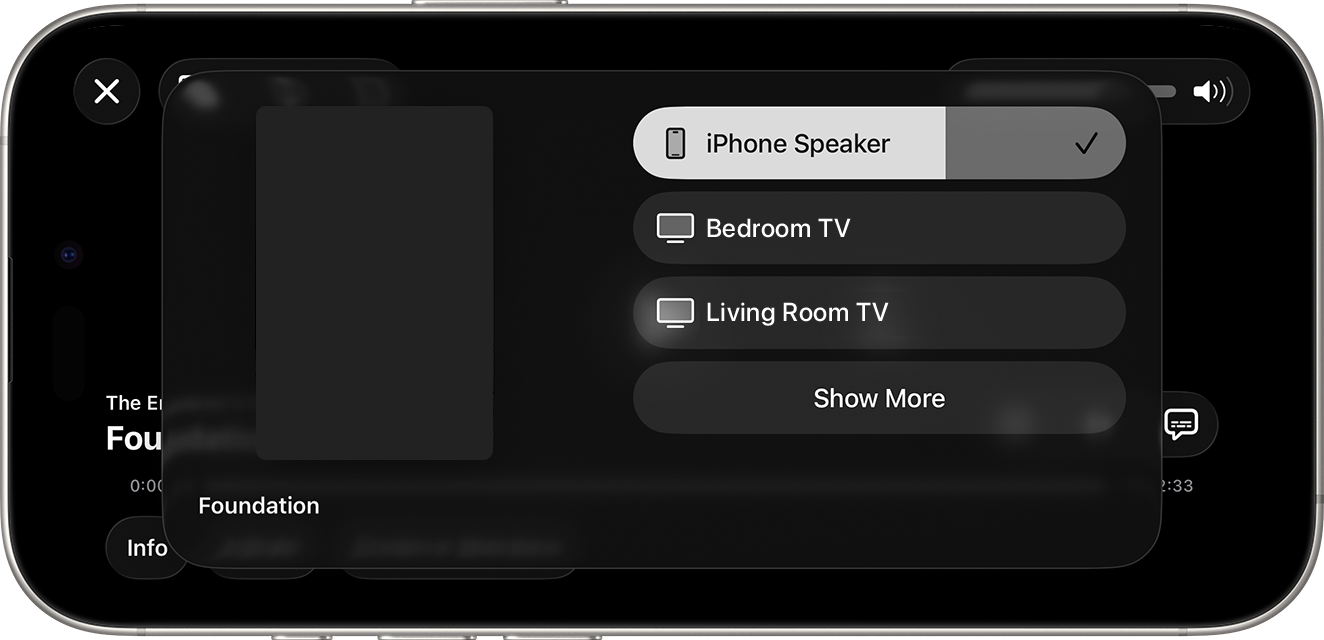
- 通过控制中心访问系统范围的 AirPlay。
- 与播放 Owncast 流的任何应用或浏览器兼容。
- 快速切换设备。
显示逐步说明
- 在任何应用或 Safari 中开始播放 Owncast 流。
- 打开 控制中心(在新款 iPhone 上从右上角向下滑动,在旧款上从底部向上滑动)。
- 点击 AirPlay 图标(矩形和三角形)。
- 从列表中选择您的 AirPlay 兼容设备。
- 音频和视频将流向所选设备。
Improve this page
See something missing or incorrect? Edit this page and improve the documentation for everyone.
Contributors to this documentation
