 Owncast 现在支持自定义插件。
Kodi
Other device
kodi插件媒体中心树莓派家用影院个人电脑电视观看
Owncast Kodi 插件
推荐安装官方的 Owncast 插件以直接在 Kodi 中浏览目录。
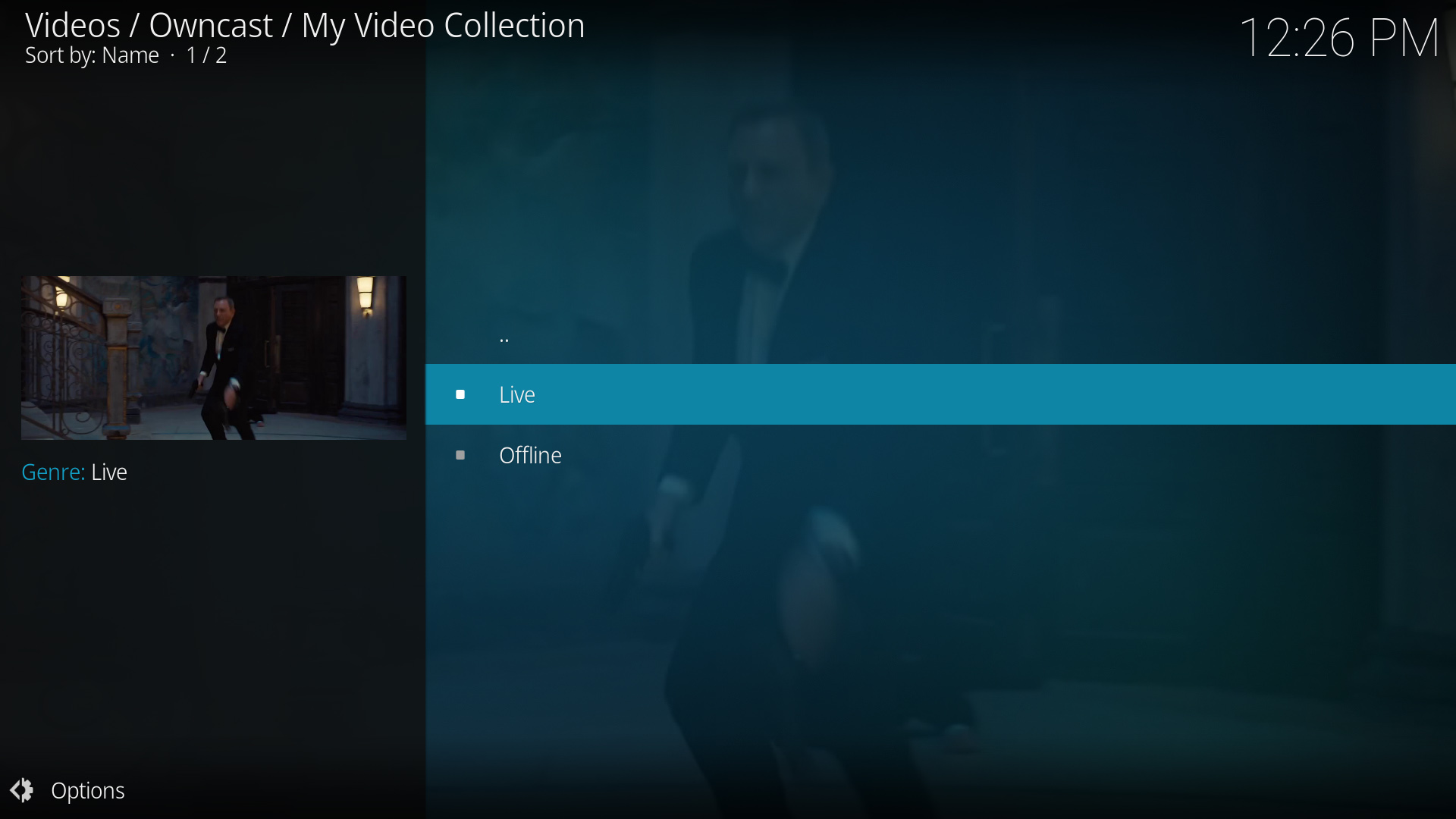
- 从 Kodi 中浏览完整的 Owncast 目录。
- 专为 Owncast 构建的专用插件。
- 与 Kodi 的界面无缝集成。
显示逐步说明
- 访问 Owncast Kodi 插件 的 GitHub 仓库,由 rAcHekLoS 提供。
- 请按照 GitHub 上插件的安装说明进行操作。
- 从 Kodi 的附加组件部分启动插件。
- 从目录中浏览可用的 Owncast 流。
- 选择一个流以开始观看。
直接 URL 播放
Play a single Owncast stream by pointing Kodi at a small .strm file that holds the stream URL.
- 适用于任何 Kodi 安装。
- 直接访问特定的 Owncast 服务器。
- 无需额外的插件。
显示逐步说明
- Create a plain text file named
owncast.strmcontaining only your stream's HLS URL, for examplehttps://watch.owncast.online/hls/stream.m3u8. - Put the file in a folder Kodi can reach, either on the same machine or on a network share.
- In Kodi, go to Videos > Files and select Add videos....
- Choose Browse, select the folder holding
owncast.strm, and select OK. For a network share, use Add network location... first to set the protocol, server, and shared folder. - Open the source, select
owncast.strm, and choose Play.
Kodi's Add network location... dialog asks for a protocol, server, and shared folder, so it cannot take a full stream URL on its own. The .strm file is what makes the stream playable.
Improve this page
See something missing or incorrect? Edit this page and improve the documentation for everyone.
Contributors to this documentation
